

FAQ
Xiaomi phones are like that energetic friend who's always up for an adventure – their batteries can keep going and going. Typically, you're looking at a solid day of use, sometimes even stretching into a second if you're not glued to TikTok. But let's be real, battery life is as unpredictable as a cat's mood. It depends on factors like screen brightness, app usage, and whether you're constantly refreshing your Instagram feed. Some Xiaomi models, especially those with bigger batteries, might surprise you with up to two days of juice. But remember, your mileage may vary – just like how your fitness tracker says you've walked 10,000 steps when all you've done is wave your arms around while talking.
Want to make your Xiaomi's battery last longer than your last relationship? Here's the secret sauce: 1. Dim that screen, sunshine! Your retinas will thank you, and so will your battery. 2. Say bye-bye to battery-hungry apps. They're like that friend who always forgets their wallet. 3. Turn off Wi-Fi and Bluetooth when you're not using them. They're secretly power vampires. 4. Enable power-saving mode. It's like putting your phone on a diet, but it actually works. 5. Update your apps and MIUI. Sometimes, updates are actually useful (shocking, I know). 6. Avoid extreme temperatures. Your phone likes it room temp, just like your beer. 7. Use dark mode. It's not just for looking cool; it saves power on AMOLED screens. 8. Limit background app refresh. Your apps don't need to party 24/7. Follow these tips, and your Xiaomi might just outlast your patience for waiting in line at the DMV.
Is your Xiaomi's battery draining faster than your bank account after a shopping spree? Don't panic, here's your game plan: 1. Play detective: Check which apps are the power-hungry culprits in your battery settings. 2. Update everything: Apps, MIUI, your relationship status – but focus on the first two. 3. Restart your phone: Sometimes it just needs a nap, like the rest of us. 4. Check for rogue apps: Some apps are secretly power-guzzlers. Uninstall the suspicious ones. 5. Adjust your sync settings: Do you really need hourly updates on your great-aunt's cat photos? 6. Clean your charging port: It might be clogged with more lint than your belly button. 7. Consider a factory reset: It's the nuclear option, but sometimes you gotta go big or go home. 8. Visit a Xiaomi service center: If all else fails, it's time to call in the pros. Remember, a rapidly draining battery could be a cry for help or just a sign that you're way too popular. Either way, these steps should help you regain control faster than you can say "Where's my charger?"
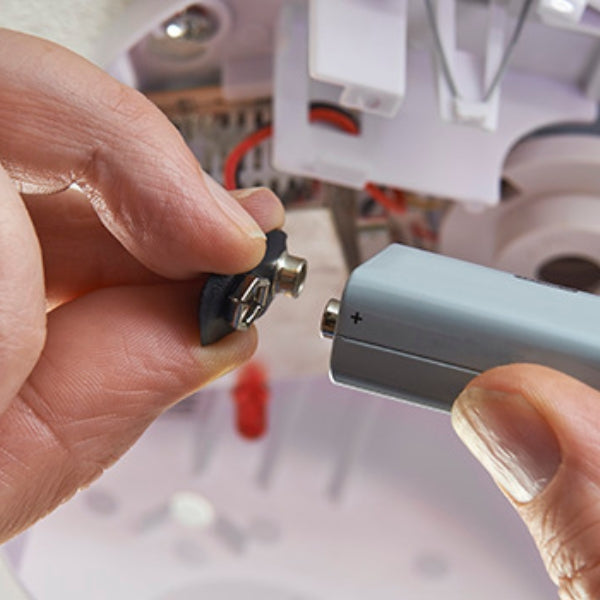
Thinking of performing battery surgery on your Xiaomi? Hold your horses, DIY enthusiast! While it's technically possible to replace the battery in most Xiaomi phones, it's about as advisable as trying to cut your own hair after a few drinks. These sleek devices aren't designed for easy battery swaps – they're more hermetically sealed than your grandma's secret recipe jar. If you're feeling brave (or foolish), you'll need specialized tools, steady hands, and the patience of a saint. But remember, one wrong move and you might turn your phone into an expensive paperweight. Plus, you'll wave goodbye to your warranty faster than a cat runs from a cucumber. The smart money's on taking your phone to a Xiaomi service center or authorized repair shop. They've got the skills, the tools, and most importantly, they won't void your warranty. It might cost a bit more, but hey, it's cheaper than a new phone and less likely to end in tears and superglue.
Curious about your Xiaomi's battery health? It's like checking your own vitals, but less depressing. Here's how to play doctor with your device: 1. Dial *#*#6485#*#* on your phone app. This secret code is like the "Open Sesame" for battery info. 2. If that doesn't work, head to Settings > About phone > Battery and performance > Battery > Battery capacity. 3. Look for "Battery capacity" or "Battery health." It's usually shown as a percentage. 4. Anything above 80% is pretty good. Below that, your battery might be feeling its age. 5. For a deeper dive, download the AccuBattery app. It's like a Fitbit for your phone's battery. 6. Check for unusual drain or charging issues. If it's acting weirder than usual, something's up. Remember, battery health is like human health – it declines over time. But unlike humans, phones can't improve their health with kale smoothies and yoga. If your battery's health is low, it might be time for a replacement or a new phone. Either way, it's cheaper than a mid-life crisis sports car.
Charging your Xiaomi phone isn't rocket science, but do it right and your battery will thank you. Here's the holy grail of Xiaomi charging wisdom: 1. Use the original charger. It's like Cinderella's slipper – the perfect fit. 2. Avoid charging to 100% all the time. It's like overeating – satisfying but not great long-term. 3. Don't let it drop to 0% either. That's just battery abuse. 4. The sweet spot? Keep it between 20% and 80%. It's the Goldilocks zone of charging. 5. Fast charging is cool, but use it sparingly. It's like espresso shots for your phone – effective but intense. 6. Charge in a cool, ventilated area. Your phone doesn't want to sweat while charging. 7. Remove the case if it gets hot during charging. Let your phone breathe, man! 8. Avoid wireless charging for long periods. It's convenient but can be less efficient and generate more heat. Follow these tips, and your Xiaomi's battery life might just outlast your attention span during boring meetings. Remember, treating your phone's battery right is like nurturing a friendship – consistency and care go a long way.