RAID
This collection is empty
FAQ
When it comes to replacing your RAID controller battery, you can't just slap any old power pack in there and call it a day. The best replacement battery is typically the one specifically designed for your RAID controller model. It's like finding the perfect dance partner – you need compatibility, not just a warm body. Look for batteries from reputable manufacturers like LSI, Dell, or HP that match your controller's specs. These babies are engineered to deliver the right voltage, capacity, and form factor to keep your RAID party rockin' without missing a beat. Don't skimp on quality here; a genuine replacement ensures optimal performance and longevity for your precious data fortress.
RAID backup batteries are the unsung heroes of data preservation, silently keeping your bits and bytes safe when the lights go out. But like all good things, they don't last forever. Typically, these power-packing champions soldier on for about 2-3 years before they start showing signs of fatigue. Some may even stretch to 5 years if they're living the good life in a cool, clean environment. But don't get too comfortable – environmental factors, usage patterns, and the battery's quality can all influence its lifespan. It's wise to keep an eye on your battery's performance and plan for replacement before it decides to retire unexpectedly, leaving your data vulnerable to the whims of sudden power outages.
Spotting a RAID battery on its last legs is like detecting a party guest who's had one too many – there are telltale signs if you know where to look. First, check your RAID controller's management interface or event logs for any battery-related warnings or errors. These digital smoke signals often appear before things go south. Next, pay attention to the battery's behavior during self-tests or after power cycles. If it's taking longer to charge or failing to hold a charge, it's waving a red flag. Some controllers have LED indicators that change color when the battery's feeling under the weather. And if your system starts complaining about write-back cache being disabled, that's your battery's way of saying, "I can't handle this anymore!" When in doubt, run a battery test through your controller's diagnostics – it's like a health check-up for your data's guardian angel.
Hold your horses there, cowboy! Using just any battery for your RAID system is like trying to fuel a Ferrari with leftover cooking oil – it's a recipe for disaster. RAID controllers are picky eaters when it comes to power sources. They require specific voltages, capacities, and form factors to function properly. Using a mismatched battery can lead to poor performance, data corruption, or even damage to your expensive hardware. Stick to batteries designed for your specific RAID controller model. These purpose-built power packs ensure compatibility, optimal performance, and proper integration with your controller's monitoring systems. Remember, when it comes to protecting your data, cutting corners on batteries is like skimping on parachute quality for skydivers – not worth the risk!
When a RAID battery bites the dust, it's not just a minor inconvenience – it's like losing your designated driver at a data party. The first casualty is usually the write-back cache. Without battery backup, your controller switches to write-through mode faster than you can say "data integrity." This means every write operation goes straight to the disks, potentially slowing your system down like molasses in January. Your RAID array might start throwing tantrums in the form of error messages or degraded performance. In some cases, the controller might disable certain features or refuse to boot altogether, leaving your data high and dry. And if a power outage hits while your battery's out of commission? That's when things can get really messy, with the potential for data loss or corruption. Bottom line: a failed RAID battery turns your robust data fortress into a house of cards.
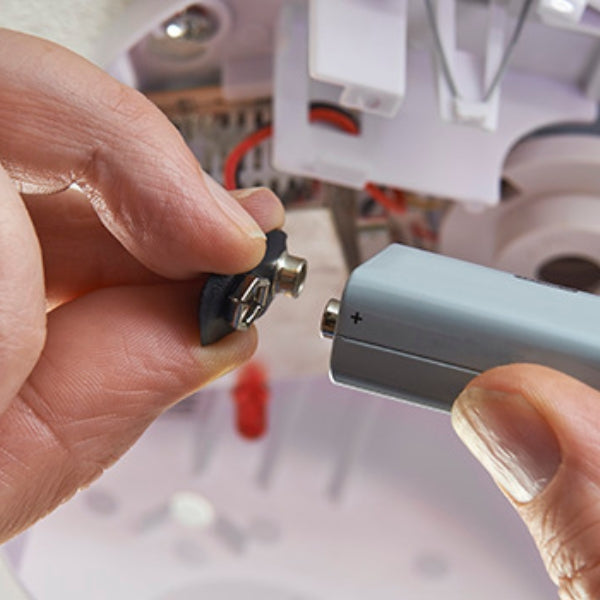
Replacing a RAID controller battery isn't rocket science, but it does require a steady hand and a dash of caution – think brain surgery, but for your data center. First, back up your data faster than you can say "better safe than sorry." Then, power down your system and unplug it – we're not playing electric roulette here. Locate your RAID controller and identify the battery – it usually looks like a small brick with a connector. Carefully disconnect and remove the old battery, treating it with the respect due to a retired data guardian. Now, here's the key: make sure your replacement battery is an exact match for the old one. Install the new battery, ensuring it's seated properly and connected securely. Double-check your work, close up shop, and power on your system. Finally, check your RAID controller's management interface to confirm the new battery is recognized and functioning. Congratulations, you've just performed a successful battery transplant and given your RAID array a new lease on life!