







FAQ
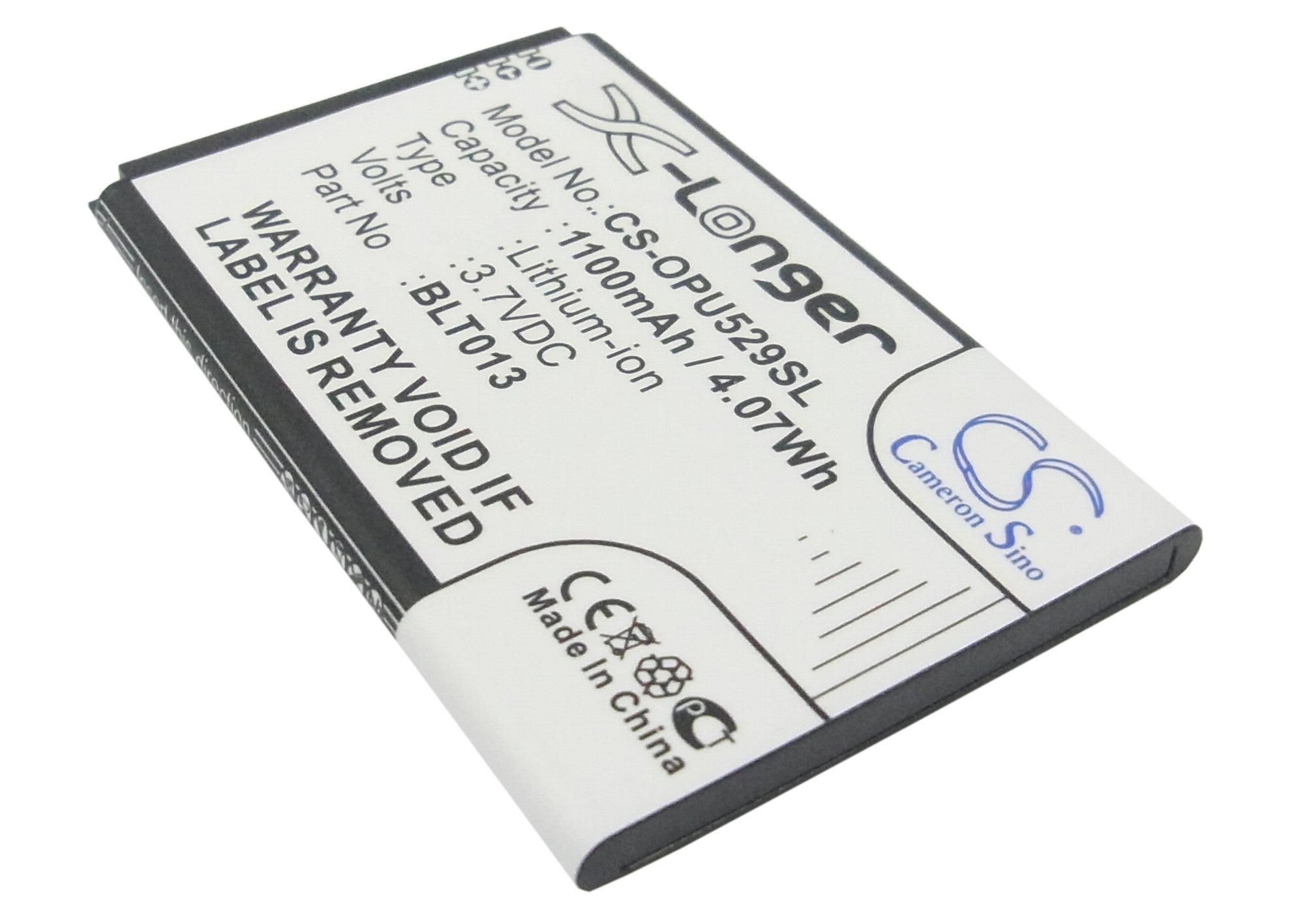
Ah, the eternal quest for smartphone longevity! Fear not, fellow Oppo enthusiast, for I bring tidings of battery-stretching wisdom. First, embrace the dark side – literally. Dim that screen brightness and watch your battery rejoice. Next, bid farewell to those power-hungry apps running amok in the background. Banish them to the realm of "closed" with a swift app manager exorcism. And let's not forget the allure of power-saving mode – your trusty sidekick in the battle against the dreaded low battery notification. Finally, treat your Oppo to a data diet by turning off mobile data and Wi-Fi when you're not scrolling through endless cat videos. Your battery will thank you, and you might even rediscover the joys of real-world interaction!
Hold onto your chargers, folks, because we're about to embark on a thrilling journey into the world of battery vampires! Your Oppo's juice might be disappearing faster than a magician's rabbit for a multitude of reasons. Perhaps your screen brightness is set to "miniature sun" levels, or maybe you've got more apps running in the background than a multitasking octopus. Location services could be playing hide and seek with your battery life, while push notifications bombard your phone like an overzealous town crier. And let's not forget the possibility of a rogue app gone wild, sucking power like a smartphone Dracula. Time to don your detective hat and hunt down these energy-guzzling culprits!
Ready for a thrilling dive into the depths of your Oppo's battery health? Buckle up, because we're about to embark on a digital wellness check! First, navigate to your phone's Settings like a seasoned explorer. Then, venture into the mysterious realm of "Battery," where secrets of power consumption lie. Look for the "Battery Health" option – it's your golden ticket to understanding your battery's life story. If it's playing hide and seek, fear not! Oppo's got your back with diagnostic tools in their official app. For the truly adventurous, third-party apps await, promising to reveal the hidden truths of your battery's soul. Remember, knowledge is power – quite literally in this case!
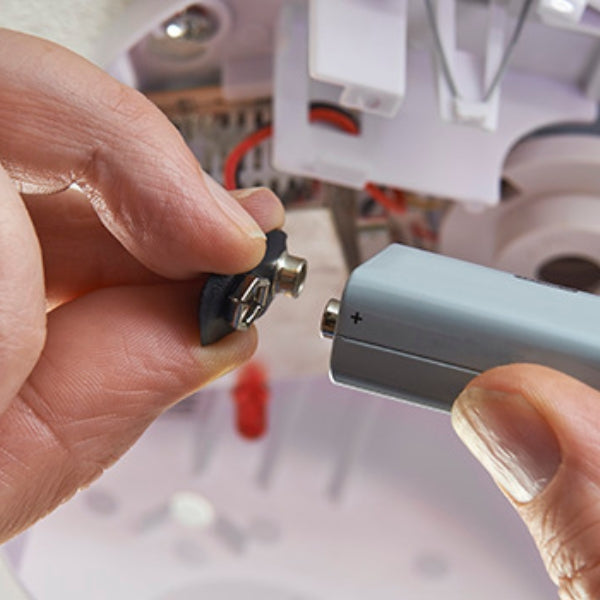
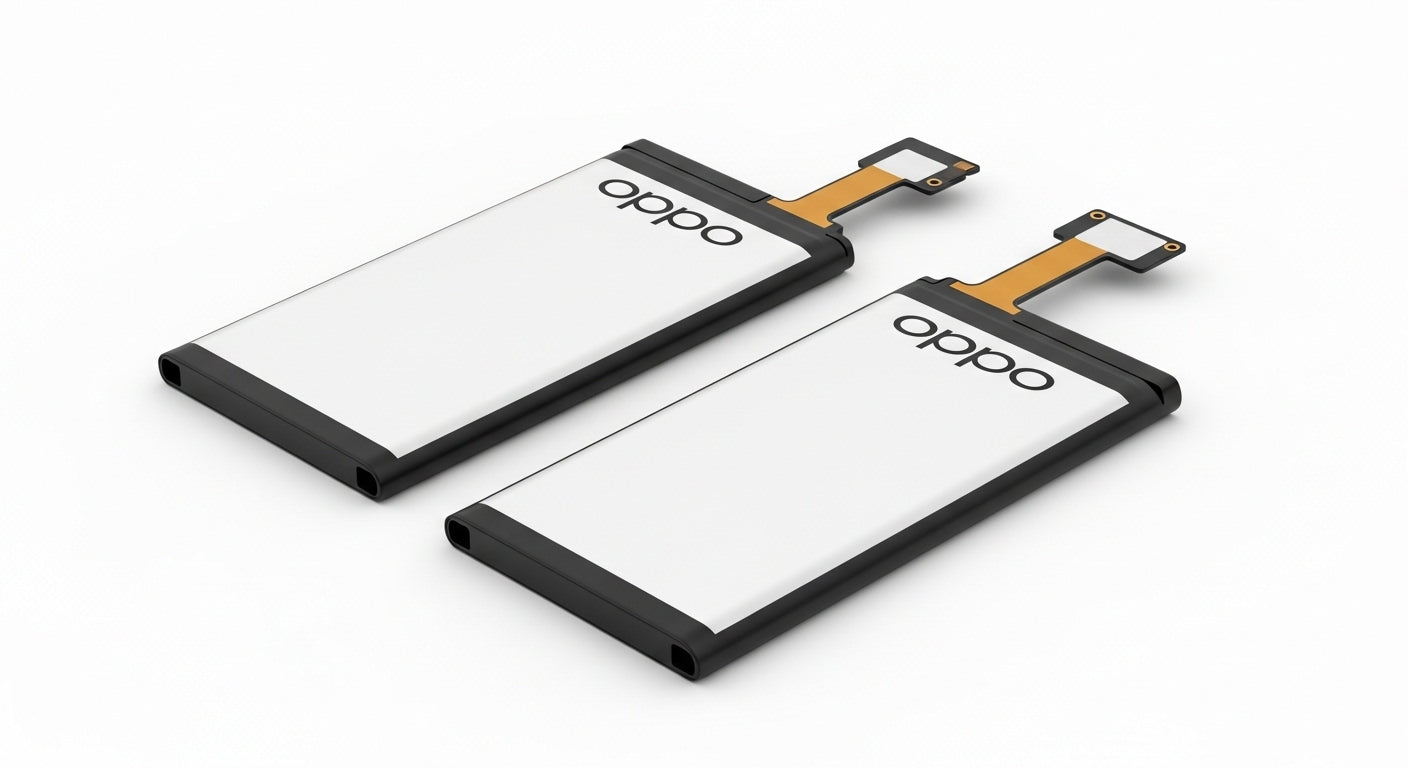
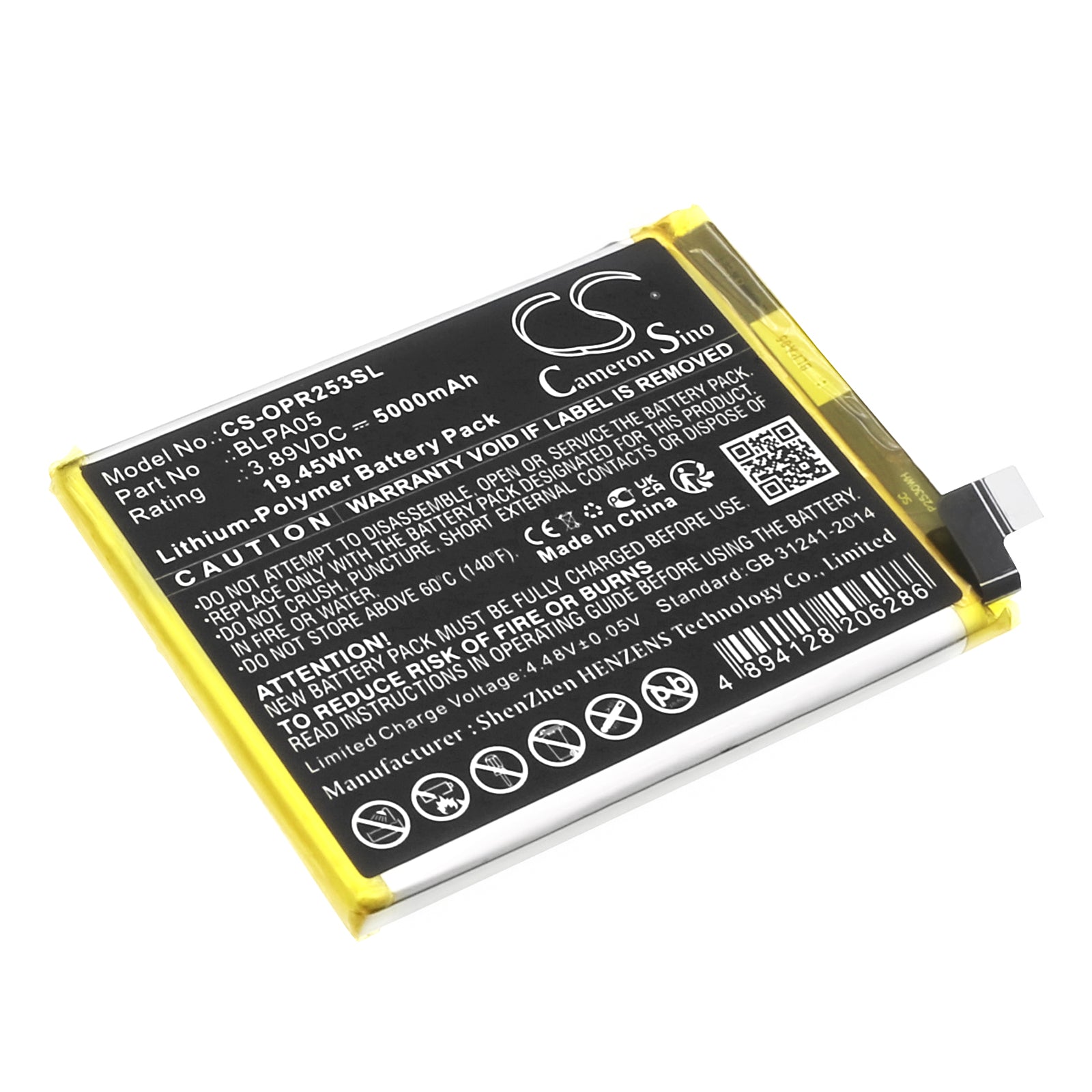
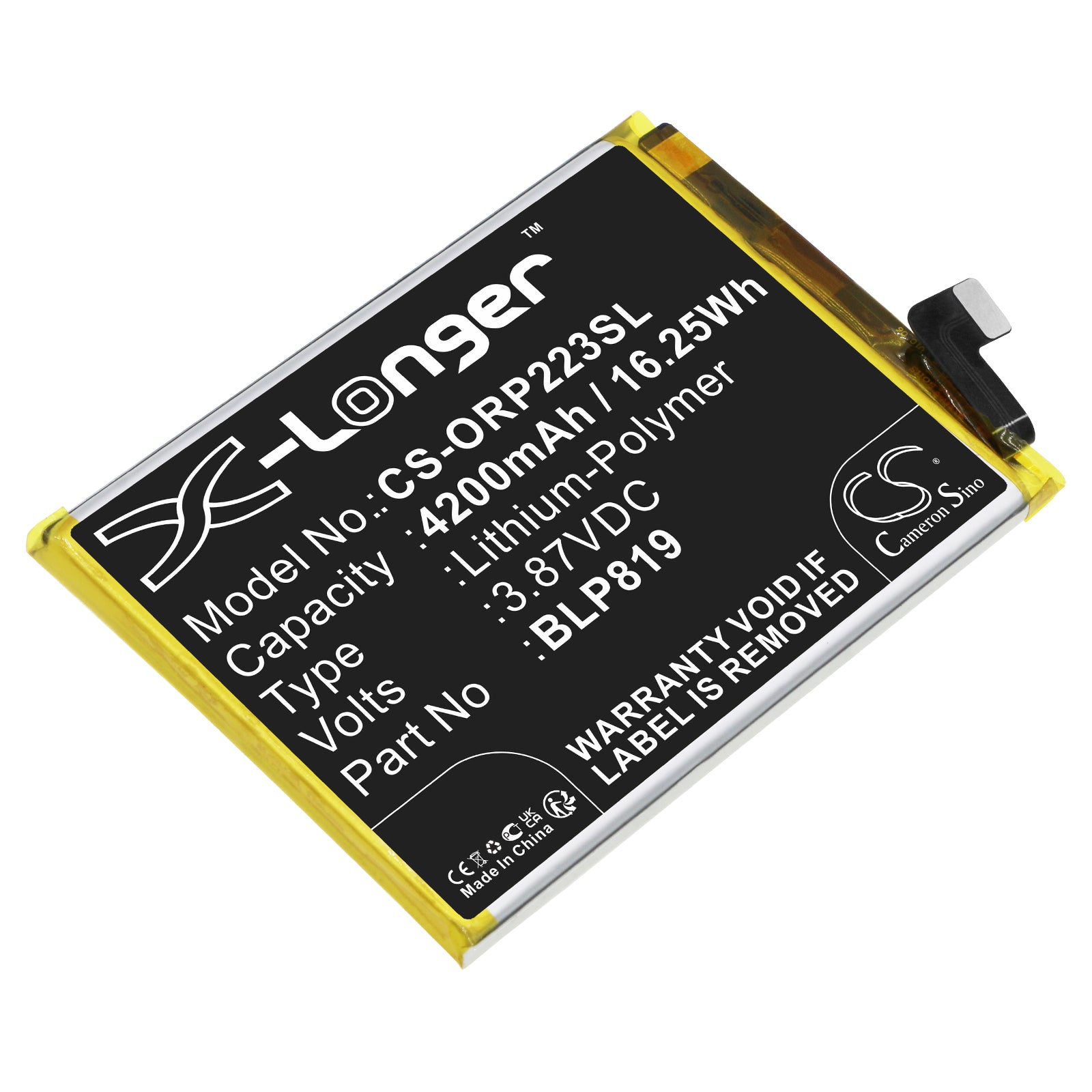
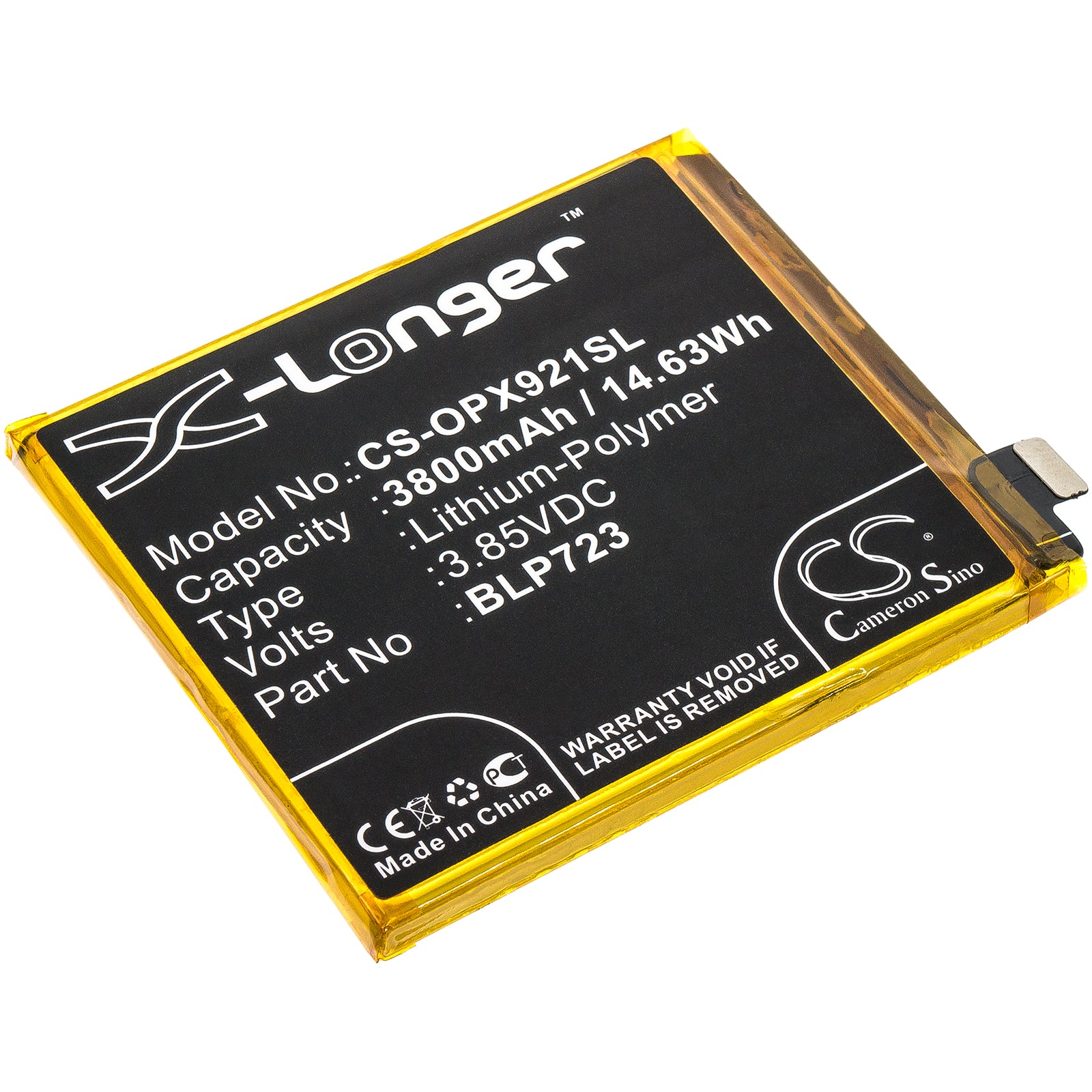
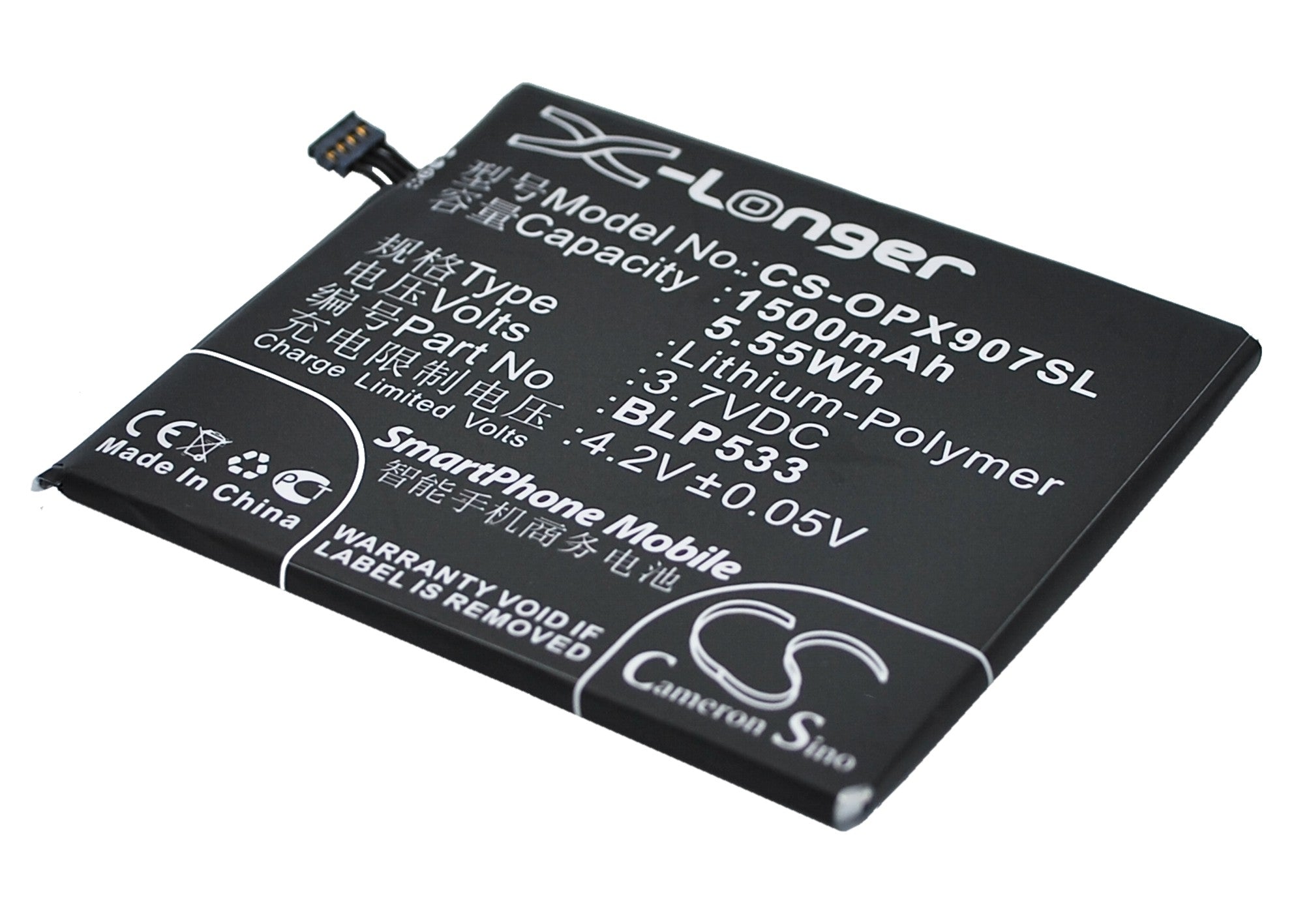
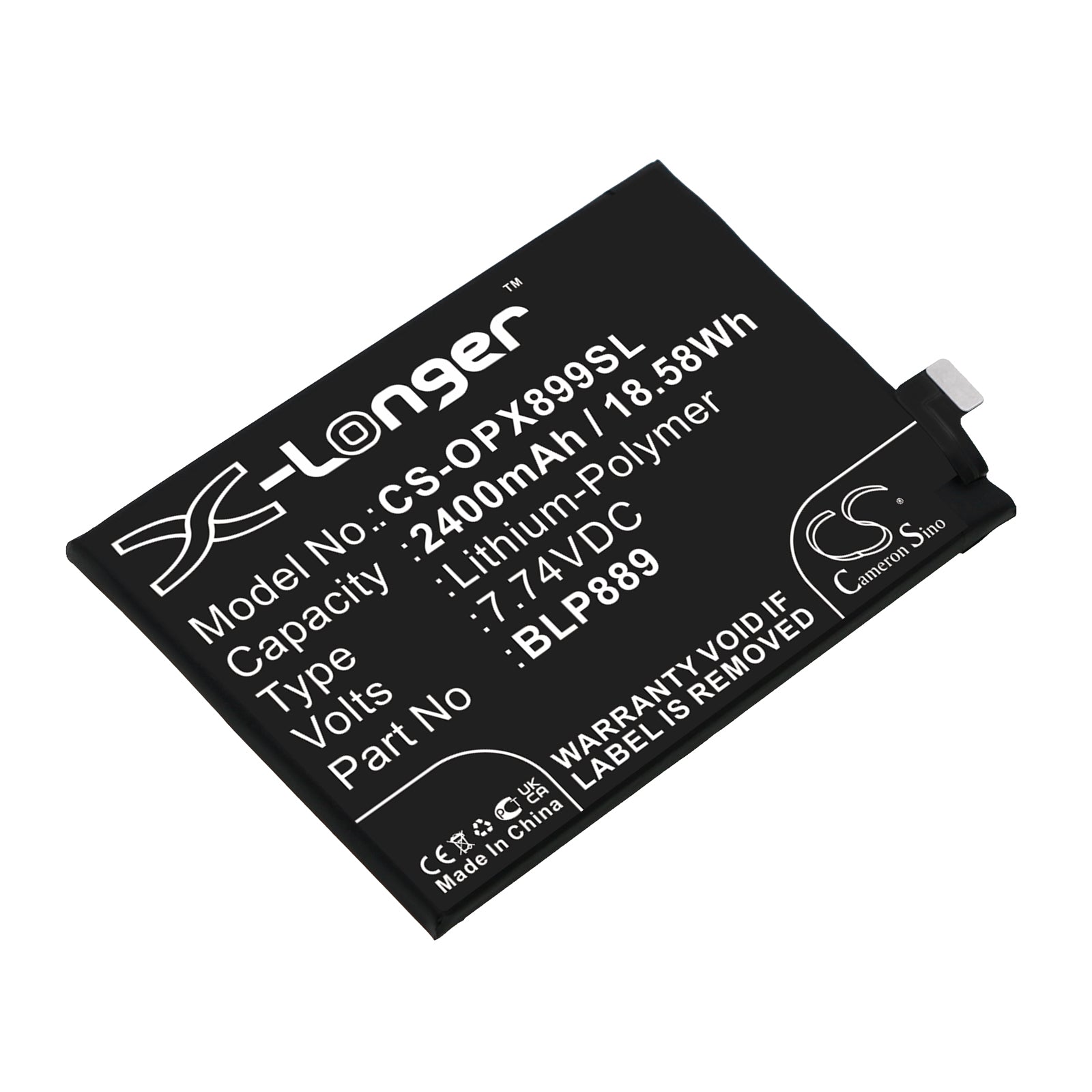
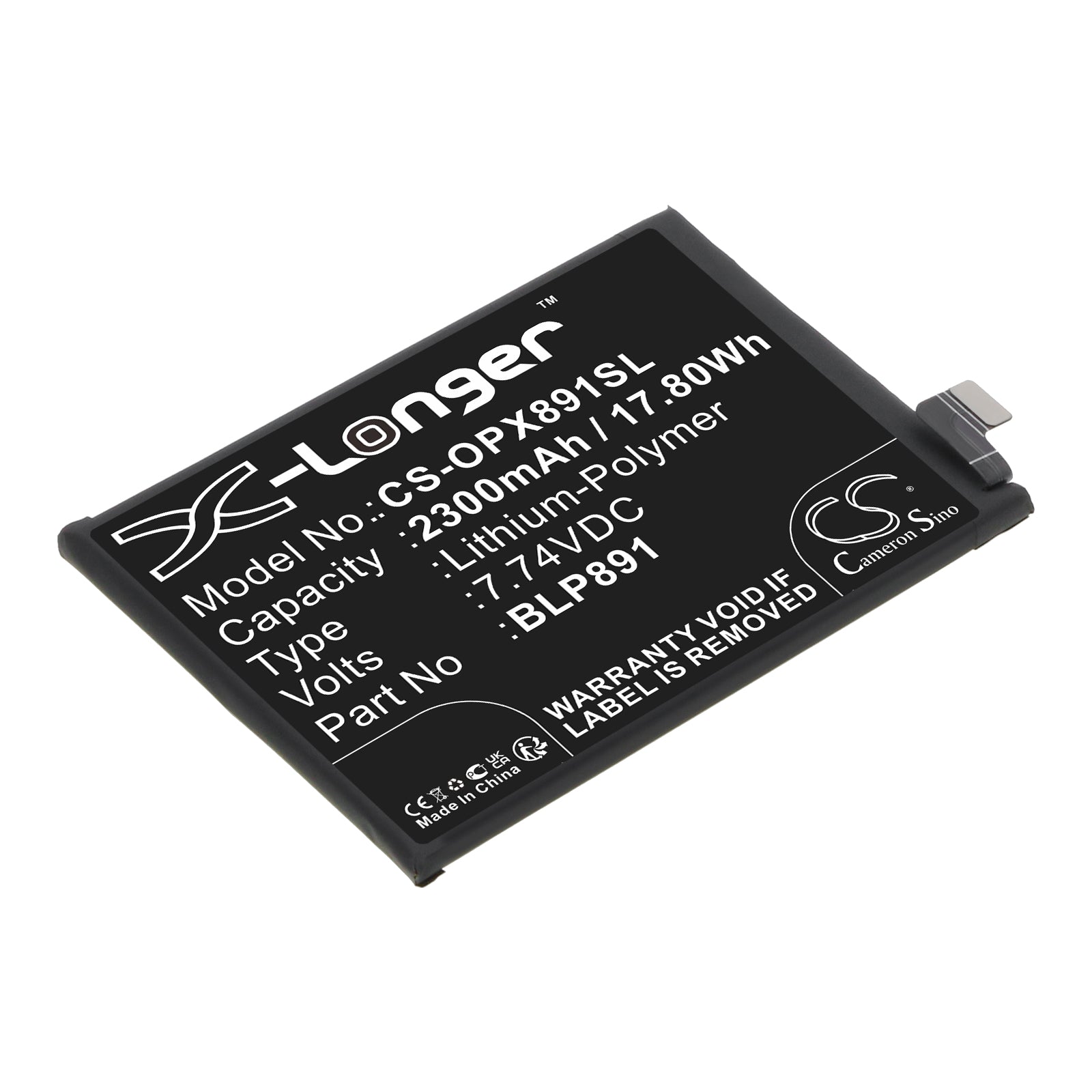
Ah, the age-old question of smartphone surgery! While Oppo phones aren't exactly known for their easy-access battery compartments, don't lose hope just yet, intrepid tinkerer. The path to battery replacement is not for the faint of heart – it involves tiny screws, delicate prying, and nerves of steel. But fear not! Oppo's official service centers stand ready to perform this delicate operation with the precision of a Swiss watchmaker. If you're feeling particularly brave (or your warranty's long gone), there are DIY kits available for the adventurous souls among us. Just remember, one wrong move and your sleek Oppo could transform into a very expensive paperweight. So, unless you're secretly a smartphone surgeon, it might be best to leave this one to the pros!
Buckle up, battery enthusiasts, because we're about to embark on a wild ride through the land of Oppo smartphone endurance! The truth is, battery life is as varied as flavors in an ice cream shop. Depending on your Oppo model, you could be looking at anywhere from a respectable 8 hours to a marathon-running 48 hours of usage. But wait, there's more! Your mileage may vary depending on whether you're a casual scroller or a power-user extraordinaire. Are you streaming videos like there's no tomorrow? Or just casually checking emails? Your battery life will flex accordingly. And let's not forget the impact of that shiny new software update – it could be a battery booster or a silent power drainer. In the end, your Oppo's stamina is a beautiful dance between hardware capabilities and your digital lifestyle. May the battery odds be ever in your favor!
Listen up, charging aficionados! The art of juicing up your Oppo is more nuanced than a fine wine tasting. First and foremost, embrace the power of authenticity – stick to Oppo's official chargers like glue. They're the Cinderella's slipper to your phone's charging port. Now, let's talk timing. Contrary to popular belief, your Oppo doesn't need to hit 0% before you plug it in. In fact, keeping it between 20% and 80% is like giving your battery a spa day. Overnight charging? It's not the villain it's made out to be, thanks to modern charging tech. But if you want to go the extra mile, unplug once it hits 100%. And here's a pro tip: keep your Oppo cool while charging. No hot car dashboards or sunny windowsills – treat it like a delicate flower. Follow these charging commandments, and your Oppo will sing your praises in long-lasting battery life!