







FAQ
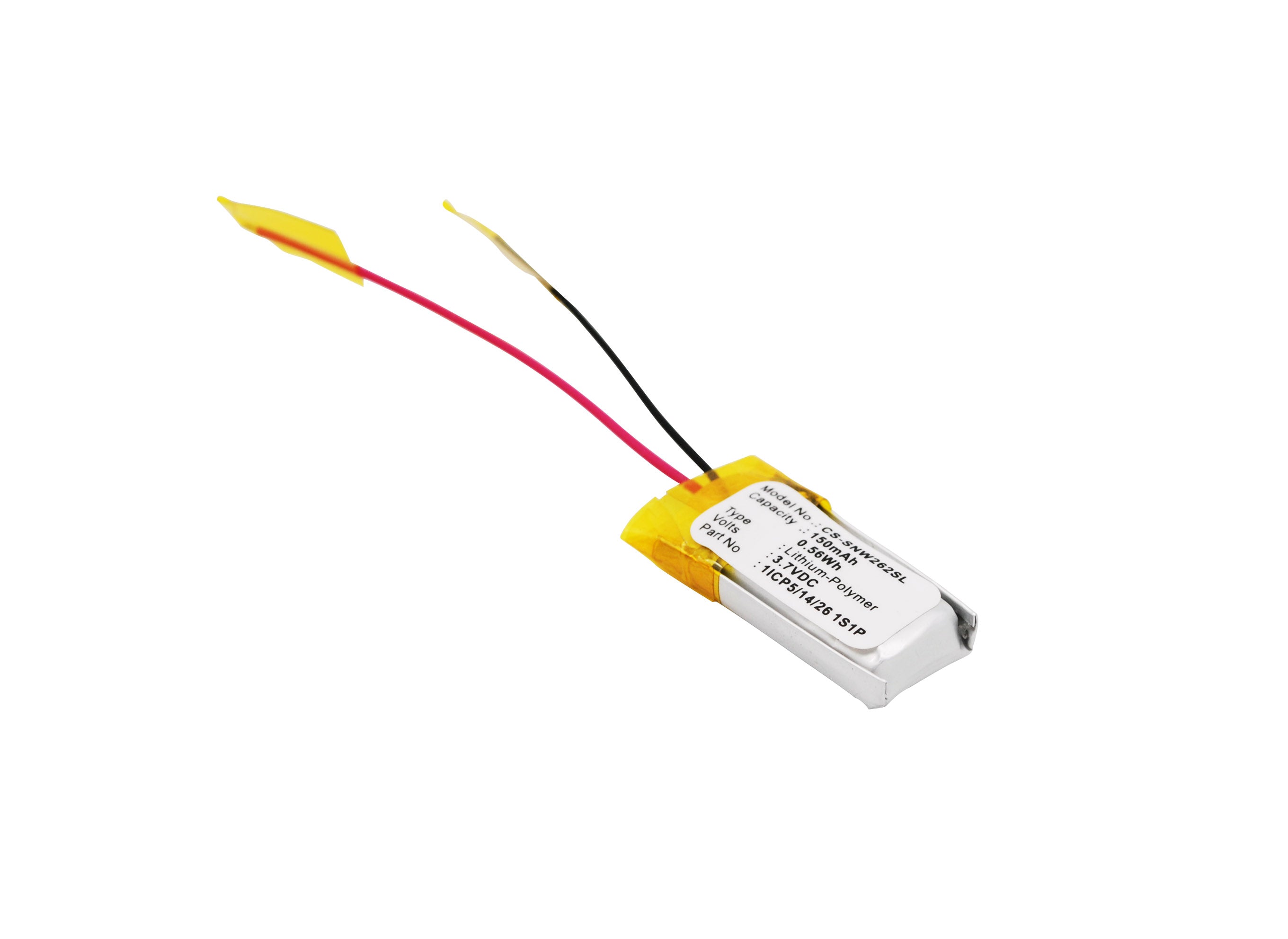
Sony smartphones are known for their impressive battery life, typically lasting anywhere from 1-2 days with moderate use. The Xperia 1 IV, for instance, boasts a 5,000mAh battery that can power through a full day of heavy usage. However, battery longevity varies depending on factors like screen brightness, app usage, and network connectivity. Pro tip: Enable Sony's STAMINA mode to squeeze even more juice out of your device.
Maximizing your Sony phone's battery life is easier than convincing a cat to take a bath. Start by dimming that screen – it's not a lighthouse, after all. Next, hunt down and eliminate those battery-hungry apps lurking in the background. Embrace the dark side with dark mode, and let your phone take a breather with airplane mode when you're in signal-starved areas. Oh, and don't forget to enable that STAMINA mode – it's like Red Bull for your phone's battery.
If your Sony phone's battery is vanishing faster than a plate of cookies at a kids' party, several culprits could be at play. Resource-hungry apps, maxed-out screen brightness, and poor network connectivity are usual suspects. Background processes and system updates can also be battery vampires. Check your battery usage stats in Settings to identify the main offenders. Pro tip: Consider resetting your phone to factory settings if the problem persists – it's like giving your battery a fresh start in life.
Checking your Sony phone's battery health is easier than deciphering your cat's mood swings. Navigate to Settings > Battery > Battery Care. Here, you'll find a wealth of information about your battery's current state and estimated lifespan. For a more detailed analysis, dial *#*#4636#*#* in your phone app to access a hidden menu with advanced battery stats. Remember, knowledge is power – literally, in this case.
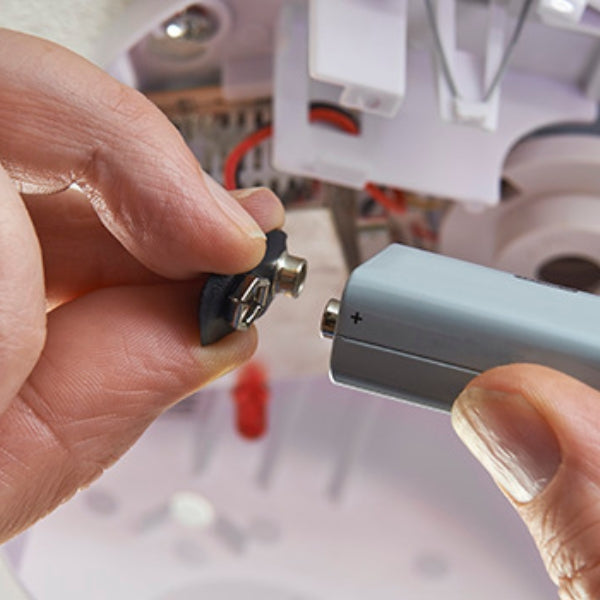
Replacing the battery in your Sony smartphone is about as straightforward as performing open-heart surgery on a hummingbird. Most modern Sony phones have non-removable batteries, designed to maintain the sleek, water-resistant build. While it's technically possible, it's not a DIY job unless you fancy turning your phone into an expensive paperweight. Your best bet? Take it to a certified Sony service center. They'll swap out that tired old battery faster than you can say "planned obsolescence."
Charging your Sony phone isn't rocket science, but there are ways to do it smarter. Use the original charger or a high-quality alternative – no sketchy gas station specials. Avoid wireless charging for speed demons; it's convenient but slower than a snail on vacation. Keep your phone cool during charging – it's not auditioning for Hot Ones. And for battery longevity, aim to keep the charge between 20% and 80%. It's like the Goldilocks zone for your phone's battery – not too full, not too empty, just right.