




FAQ
The latest Samsung Galaxy models boast impressive battery life, but let's cut through the marketing fluff and get down to brass tacks. The Galaxy S23 Ultra, for instance, packs a hefty 5000mAh battery that'll keep you scrolling, streaming, and snapping pics for up to 26 hours on a single charge. Not too shabby, right? But here's the kicker: your mileage may vary depending on how you use your phone. If you're a power user who's constantly pushing your device to its limits, you might find yourself reaching for the charger sooner than expected. Still, for most folks, these new Galaxy models will easily last a full day and then some, leaving you with enough juice to doom-scroll through social media well into the wee hours of the morning.
Alright, tech detectives, time to don your digital deerstalkers and investigate the health of your Samsung phone's battery. It's easier than cracking the Da Vinci Code, I promise. First, download the Samsung Members app – it's like having a tiny, pocket-sized tech support team. Once you've got it, navigate to the "Get help" section, tap on "Interactive checks," and then select "Battery." Voila! You'll see a detailed report on your battery's health faster than you can say "lithium-ion." But wait, there's more! For you code-savvy sleuths, dial *#*#4636#*#* in your phone app to access a secret menu with even more battery info. Just remember, with great power comes great responsibility – don't go crazy running diagnostics every five minutes.
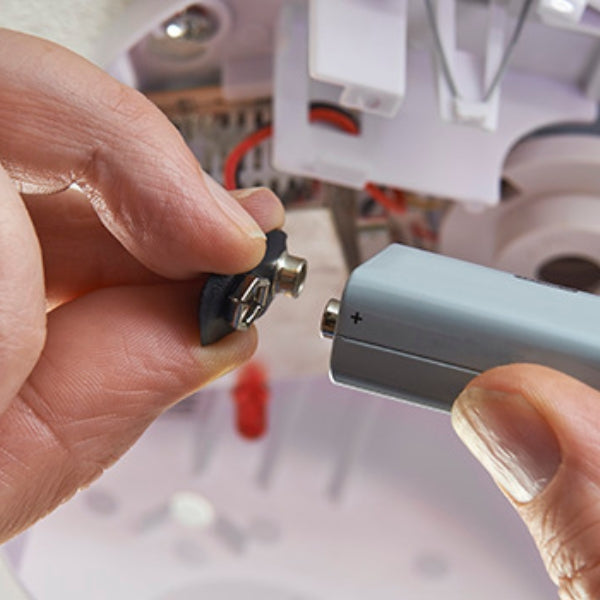
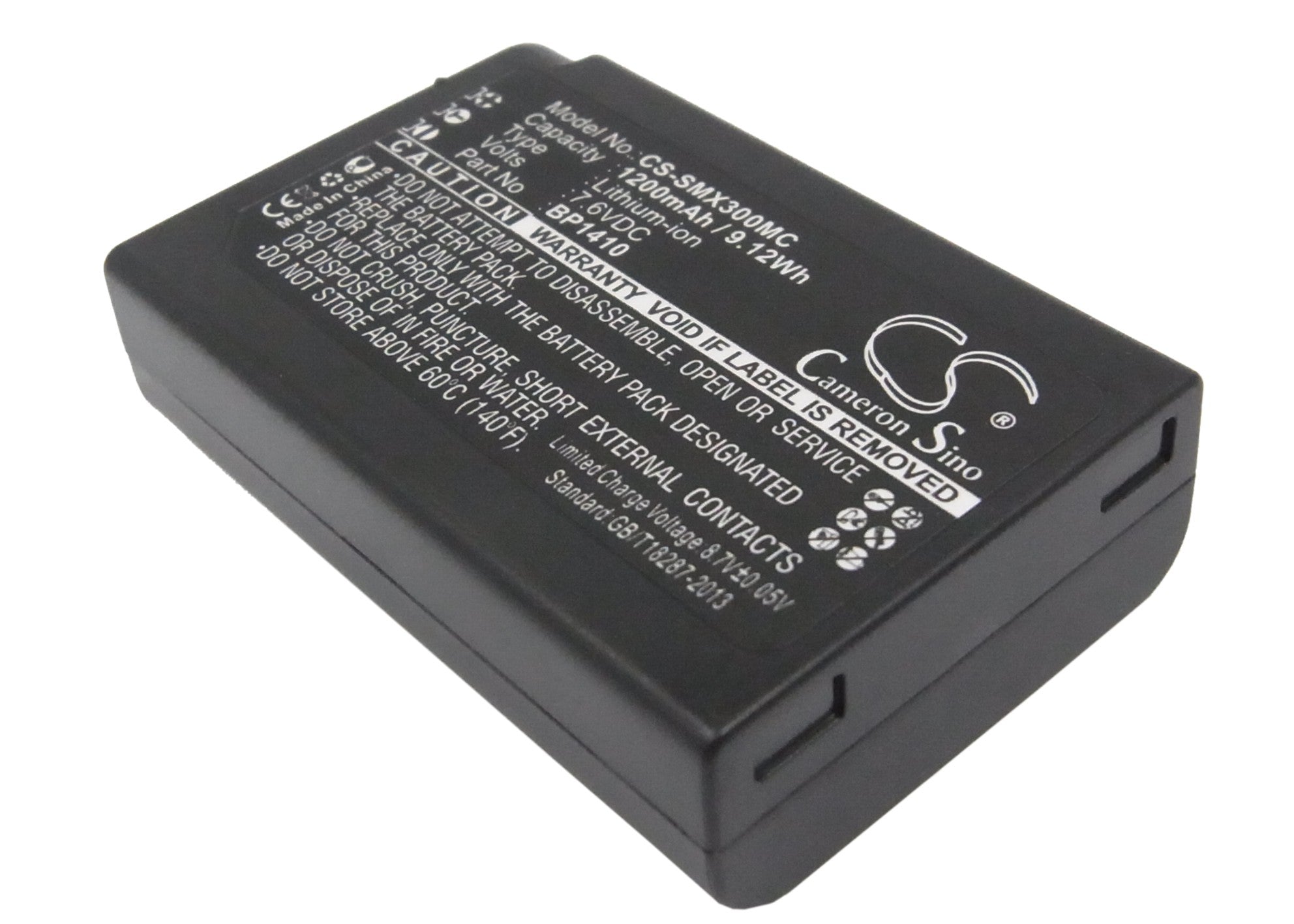
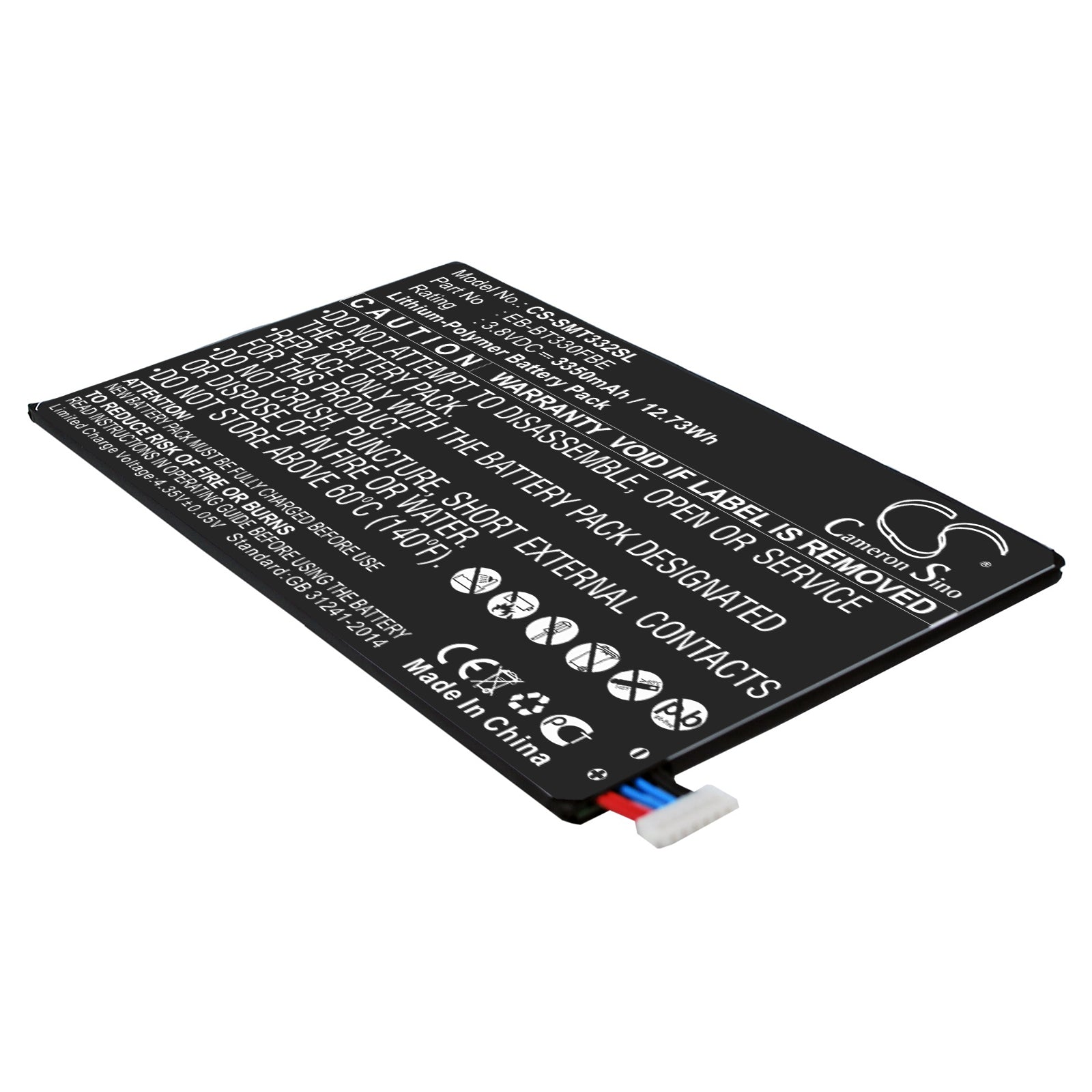
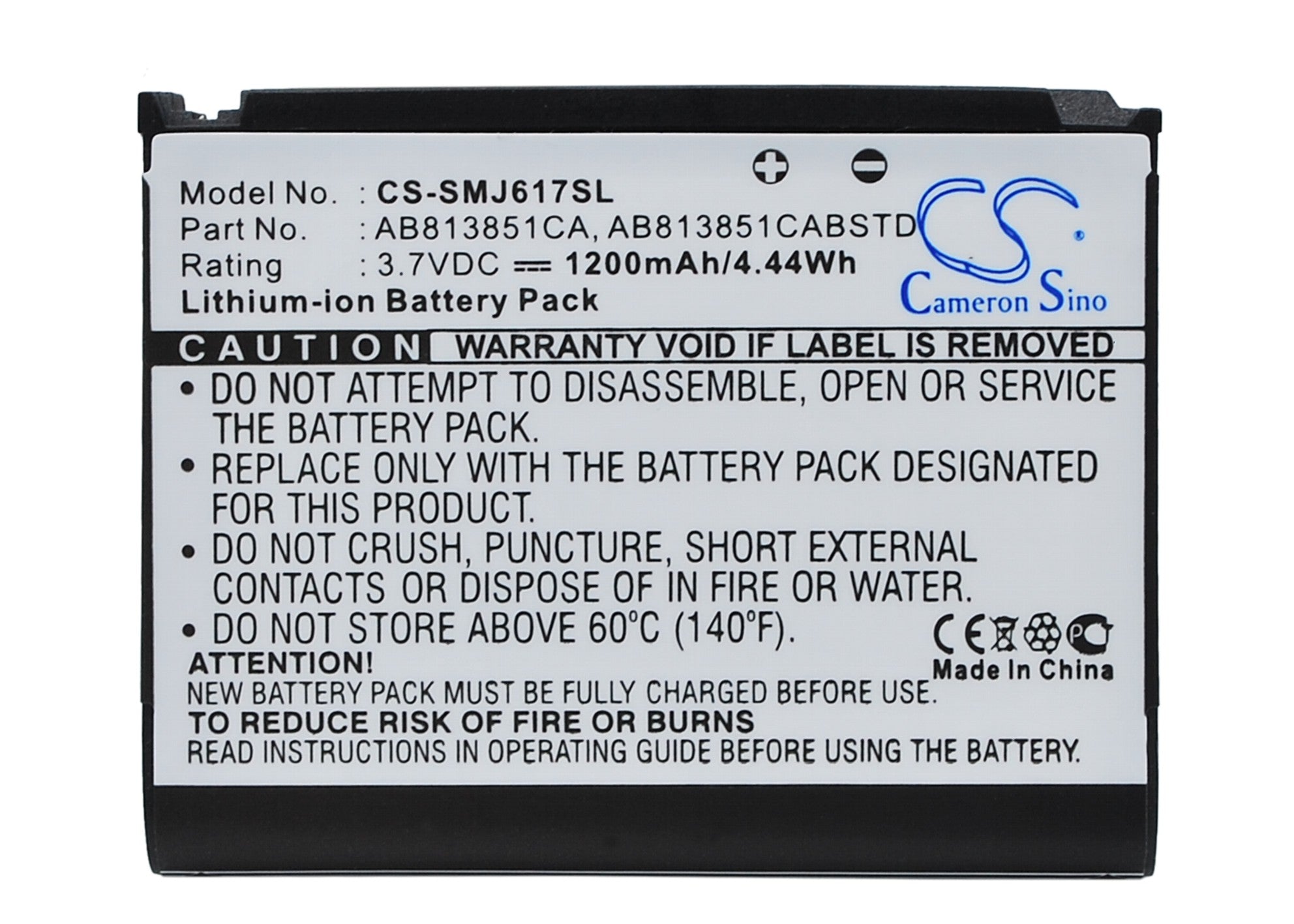
Look, I get it. Your trusty Samsung phone has been through thick and thin with you, and now its battery is about as reliable as a chocolate teapot. But before you start eyeing that shiny new model, let's talk battery replacement. The truth is, it's possible, but it's not exactly a walk in the park. Samsung, like many manufacturers, has made DIY battery swaps about as easy as performing brain surgery with oven mitts. You'll need specialized tools, a steady hand, and nerves of steel. One wrong move and you could turn your phone into an expensive paperweight. My advice? Unless you're a tech wizard with ice in your veins, leave it to the professionals. Samsung's authorized service centers can do the job without voiding your warranty or risking your device's water resistance. Sometimes, it's better to swallow your pride (and a service fee) than to end up with a phone that's more brick than smart.
Alright, tech detectives, time to don your digital deerstalkers and investigate the health of your Samsung phone's battery. It's easier than cracking the Da Vinci Code, I promise. First, download the Samsung Members app – it's like having a tiny, pocket-sized tech support team. Once you've got it, navigate to the "Get help" section, tap on "Interactive checks," and then select "Battery." Voila! You'll see a detailed report on your battery's health faster than you can say "lithium-ion." But wait, there's more! For you code-savvy sleuths, dial *#*#4636#*#* in your phone app to access a secret menu with even more battery info. Just remember, with great power comes great responsibility – don't go crazy running diagnostics every five minutes.
Ah, the age-old question of our digital era: how long until I can unplug and return to my scrolling addiction? Well, grab a seat and maybe a snack, because the answer isn't as straightforward as you might hope. The charging time for a Samsung Galaxy phone can vary more than the plot of a soap opera. On average, you're looking at about 1 to 2 hours for a full charge using the standard charger that comes in the box. But here's where it gets interesting: if you've got a phone that supports fast charging and you're using a compatible charger, you could be looking at a full battery in as little as an hour. Some of the latest models even boast "super fast charging," promising a 50% charge in just 30 minutes. Of course, these are all best-case scenarios. In reality, factors like your phone's current charge level, whether you're using it while charging, and even the ambient temperature can all affect charging speed. So next time you're watching that charging indicator, remember: patience isn't just a virtue, it's a necessity in the world of smartphone batteries.
Generally speaking, Samsung offers a standard one-year warranty on their phone batteries. It's like a safety net for your digital lifeline, but don't expect it to catch everything. This warranty typically covers manufacturing defects and premature failure, but it won't save you if you've been treating your phone like a submarine. Water damage, physical abuse, or using non-approved chargers are all quick ways to void your warranty faster than you can say "planned obsolescence." Now, here's a pro tip: some countries have consumer protection laws that might extend your rights beyond Samsung's standard warranty. So, if your battery starts acting up after 13 months, don't lose hope – check your local regulations. You might just find yourself with more leverage than you thought. Remember, knowledge is power, especially when it comes to keeping your phone powered.