



FAQ
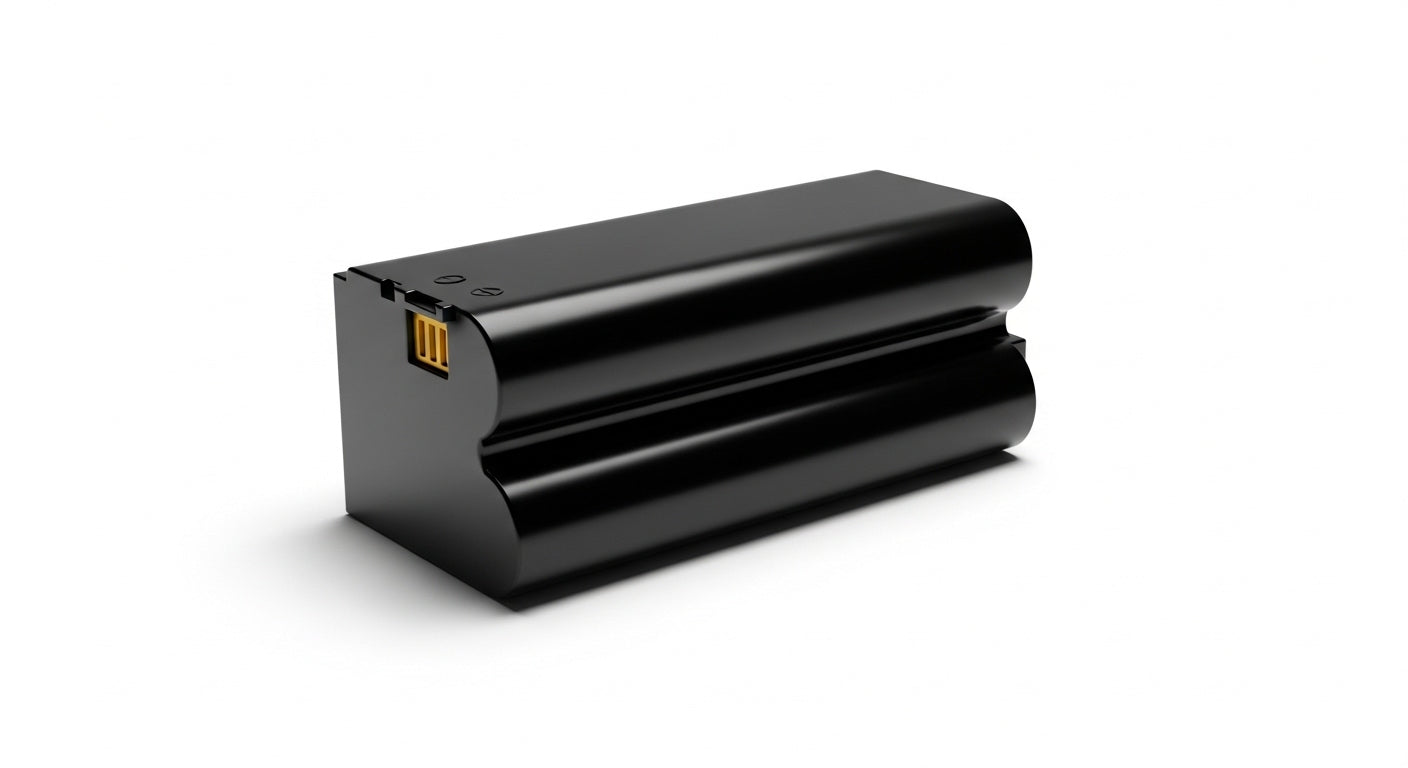
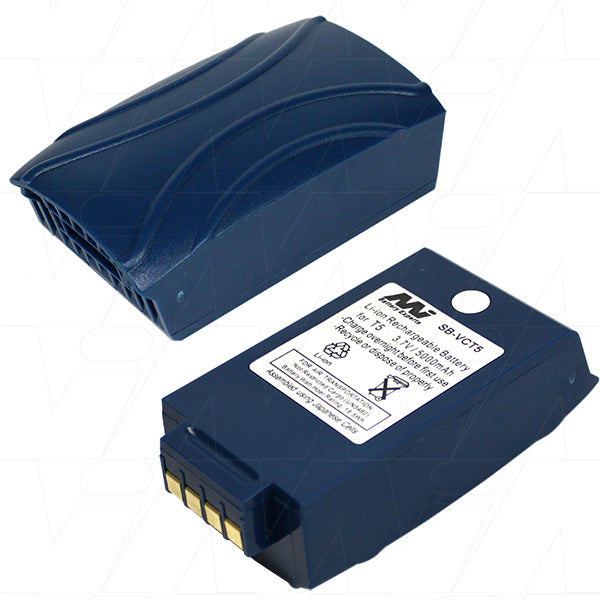
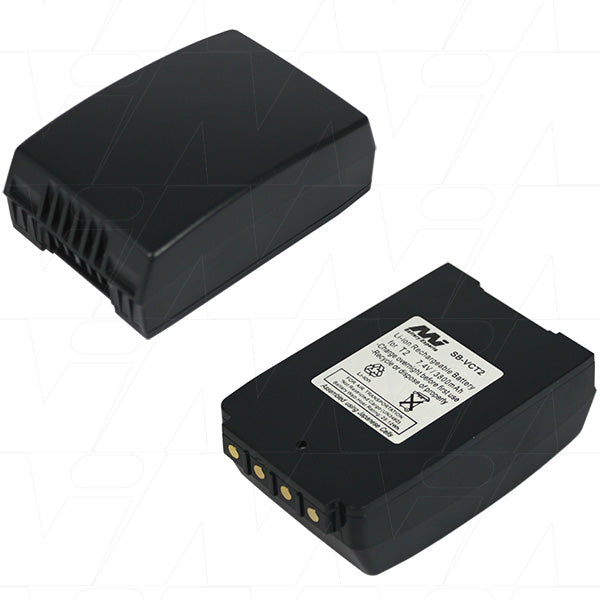
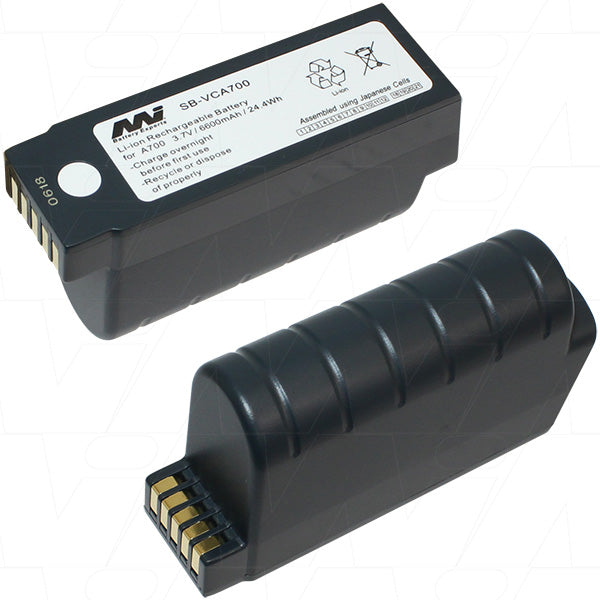
For portable printers, lithium-ion batteries reign supreme. These power-packed dynamos offer the best balance of capacity, weight, and longevity. Look for batteries with at least 2000mAh capacity to keep your printer humming through long print sessions. Brands like Anker and RAVPower are solid choices, offering reliable performance without breaking the bank. Remember, though – the "best" battery also depends on your specific printer model. Always check compatibility before pulling the trigger on a purchase.
The lifespan of a printer battery is like a cat with nine lives – it depends on how you treat it. On average, expect 2-4 hours of continuous printing or 6-8 hours of standby time. But here's the kicker: usage patterns, print volume, and environmental factors all play a role in this battery ballet. Heavy users might see their battery tap out after 300-500 charge cycles, while occasional printers could stretch it to 1000 cycles or more. To maximize longevity, avoid extreme temperatures and keep your battery between 20-80% charge when possible.
The lifespan of a printer battery is like a cat with nine lives – it depends on how you treat it. On average, expect 2-4 hours of continuous printing or 6-8 hours of standby time. But here's the kicker: usage patterns, print volume, and environmental factors all play a role in this battery ballet. Heavy users might see their battery tap out after 300-500 charge cycles, while occasional printers could stretch it to 1000 cycles or more. To maximize longevity, avoid extreme temperatures and keep your battery between 20-80% charge when possible.
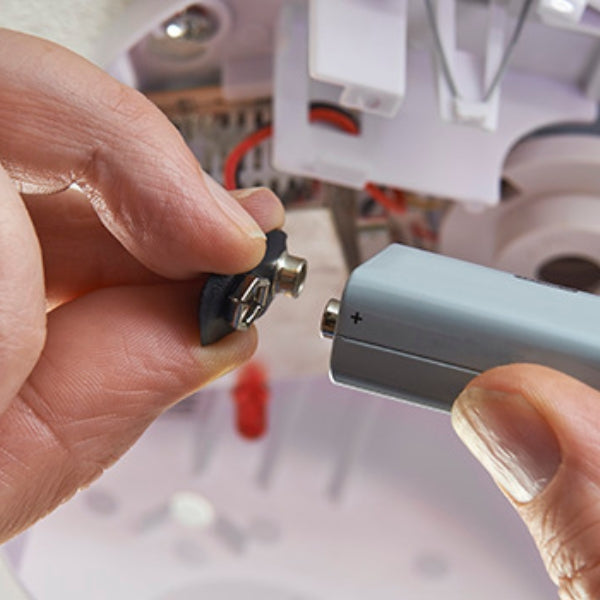
Replacing a printer battery is like performing a heart transplant for your beloved machine – it's delicate but doable. First, consult your printer's manual – it's the sacred text for this operation. Power down your printer and unplug it from any power source. Locate the battery compartment (usually on the bottom or back) and open it up. Gently disconnect the old battery, taking note of how it's positioned. Insert the new battery, making sure it's oriented correctly and connected securely. Close up the compartment, power on, and voila! Your printer is ready for its second life. Remember, if you're not comfortable playing doctor, don't hesitate to call in a professional.
Absolutely! Rechargeable batteries for printers are like the gift that keeps on giving. Most modern portable printers come equipped with built-in rechargeable lithium-ion batteries. These power-packed performers can be juiced up repeatedly, saving you from the endless cycle of buying disposables. For older models, aftermarket rechargeable options are often available. Some even offer higher capacities than the originals, giving your printer extra stamina. Just be sure to choose batteries specifically designed for your printer model – mixing and matching can lead to more drama than a soap opera.
The battery life of a wireless printer is like a delicate ecosystem – many factors can throw it off balance. Print volume is the obvious culprit – the more you print, the faster your battery drains. But the plot thickens: wireless connectivity is a silent power vampire, especially if your printer is constantly searching for a signal. Environmental factors play a role too – extreme temperatures can sap battery life faster than a teenager's allowance. Even your printer settings can be battery bandits – high-quality prints and color jobs are particularly power-hungry. To maximize battery life, adjust your settings, maintain a strong Wi-Fi connection, and give your printer occasional breaks. Your battery will thank you for it.