






FAQ
Is your trusty laptop showing signs of battery fatigue? Fear not, digital warrior! Checking your laptop's battery health is easier than decoding your cat's judgmental stares. First, embrace your inner tech guru and fire up that command prompt. Type "powercfg /batteryreport" and hit enter like you mean it. Voila! A detailed report materializes, revealing your battery's deepest secrets. For the GUI lovers, Windows has a built-in battery report tool that's more user-friendly than your favorite barista. Mac users, you're not left out – just Option-click that battery icon for a health status that's clearer than your coffee order. Remember, a healthy battery is a happy battery, and a happy battery means more Netflix binges without the dreaded cord tether.
Ah, the eternal question – like asking how long a piece of string is, but with more RAM. In the ideal world of unicorns and unlimited Wi-Fi, your laptop battery should be the Energizer Bunny of the tech world, lasting 8-10 hours. But let's get real – your mileage may vary more than a politician's promises. Factors like screen brightness (dimmer is better, unless you enjoy squinting), background apps (close 'em!), and your laptop's age (it's not just humans that slow down) all play a role. High-performance laptops might tap out at 4-6 hours, while ultrabooks could stretch to 12+ hours. The key? Manage your expectations and your power settings, and remember – a laptop without a charger is like a fish out of water: exciting at first, but not sustainable long-term.
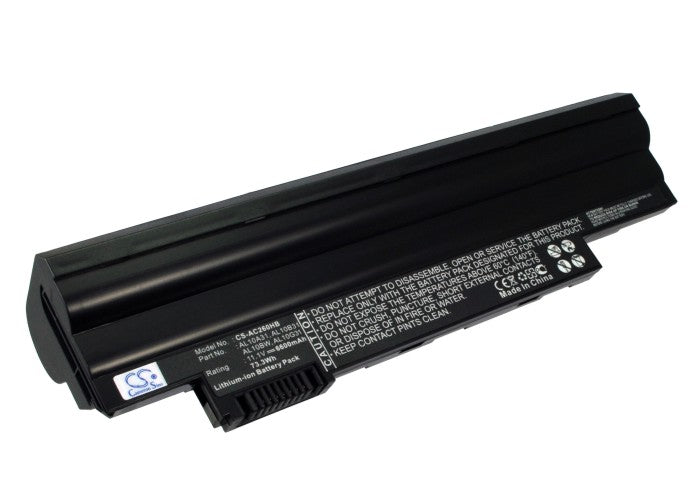
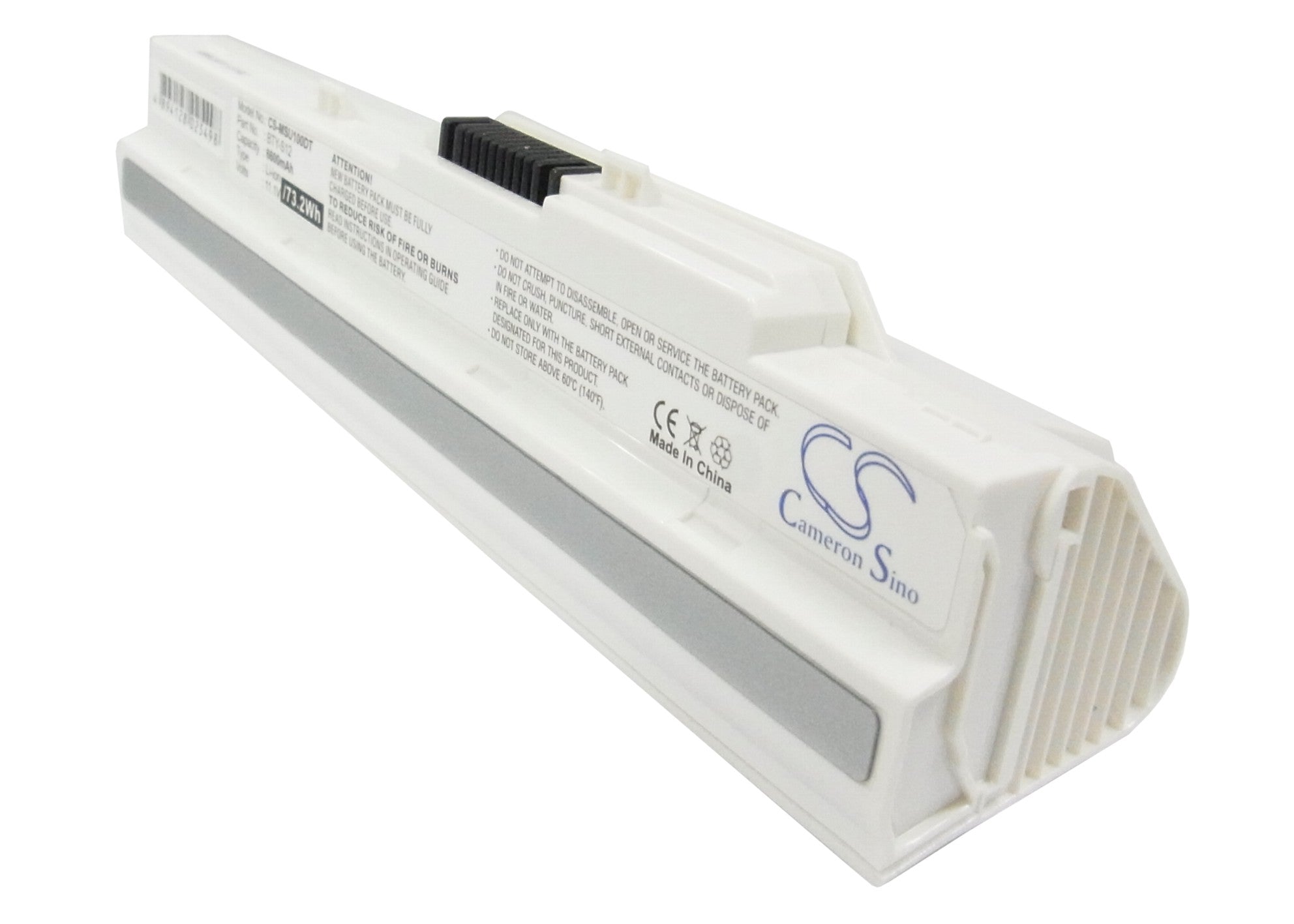
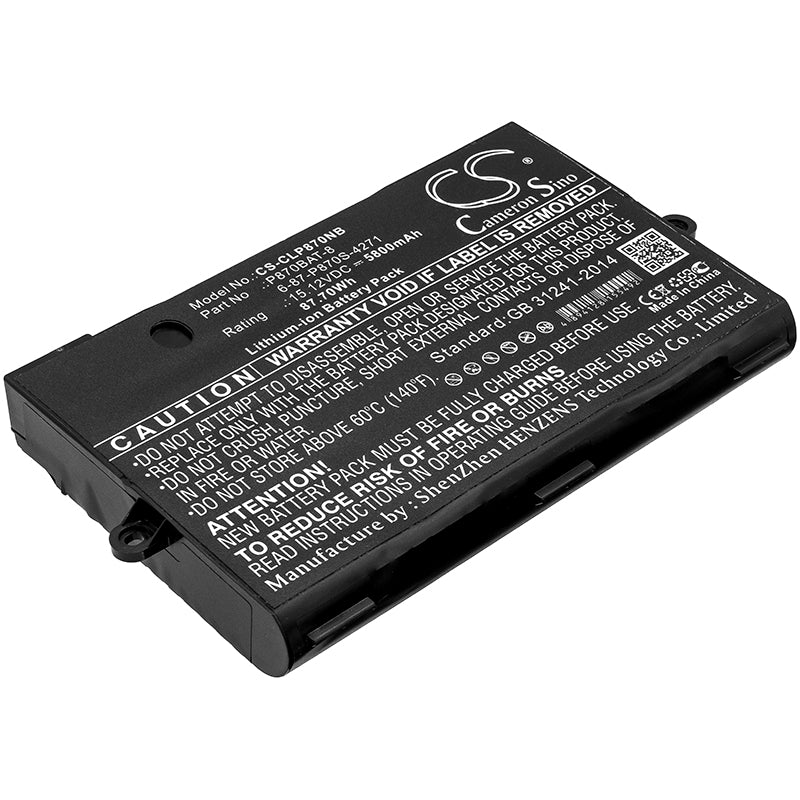
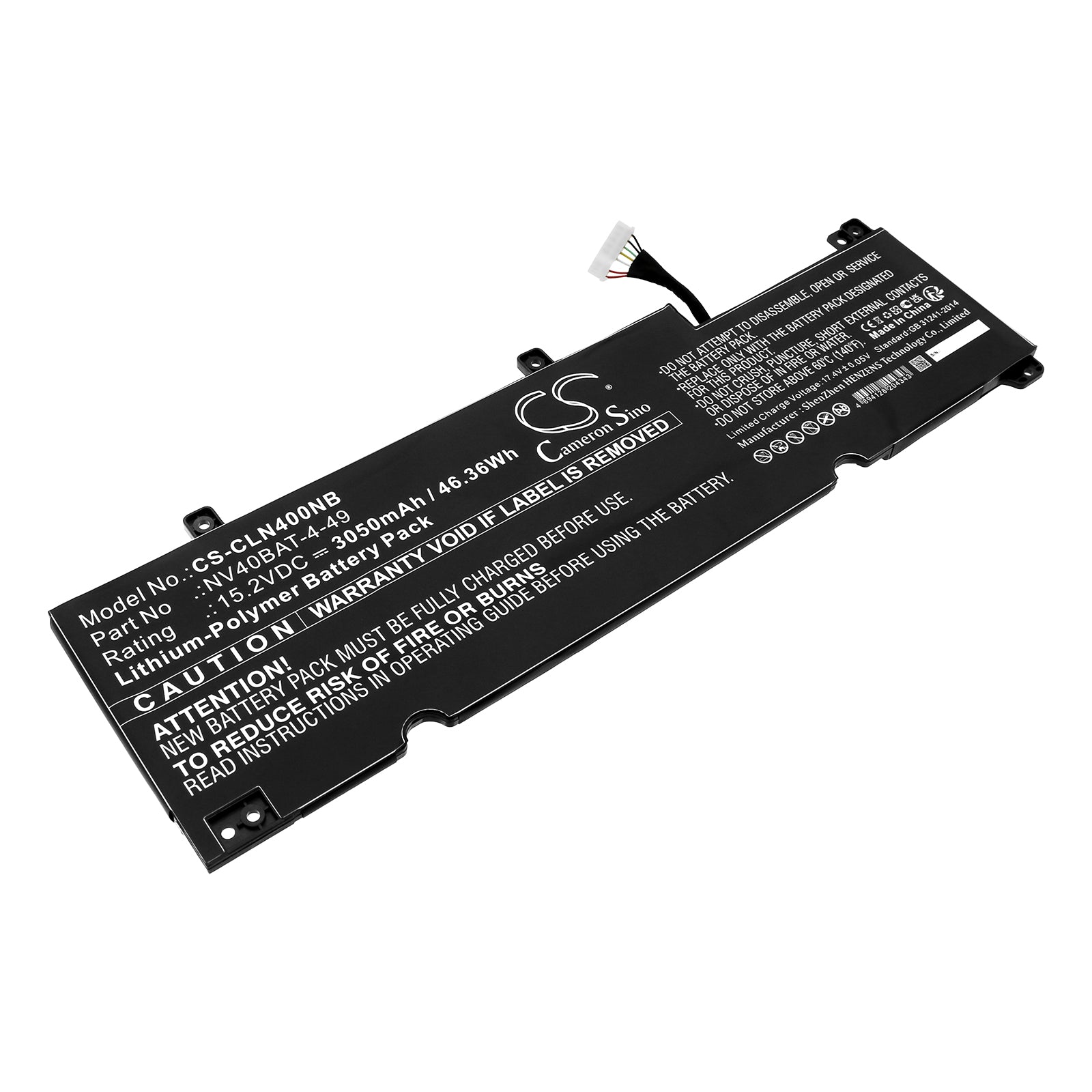
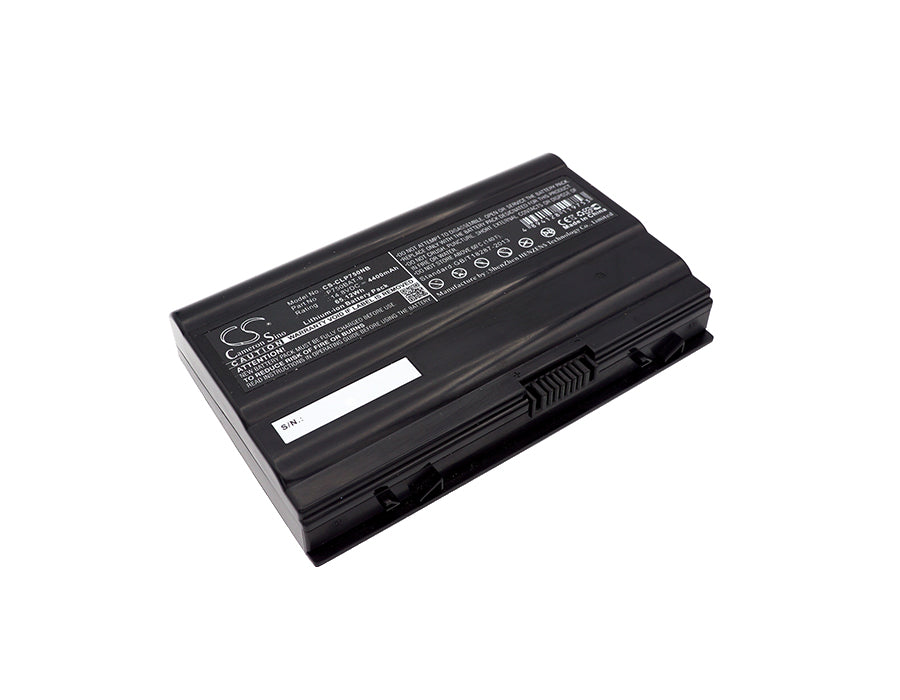
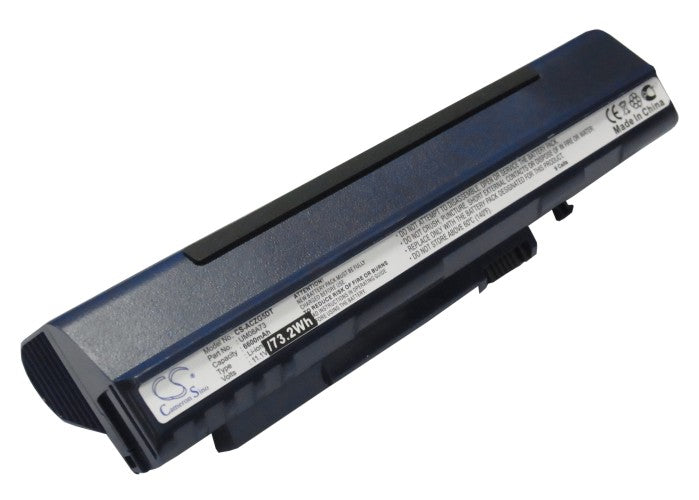
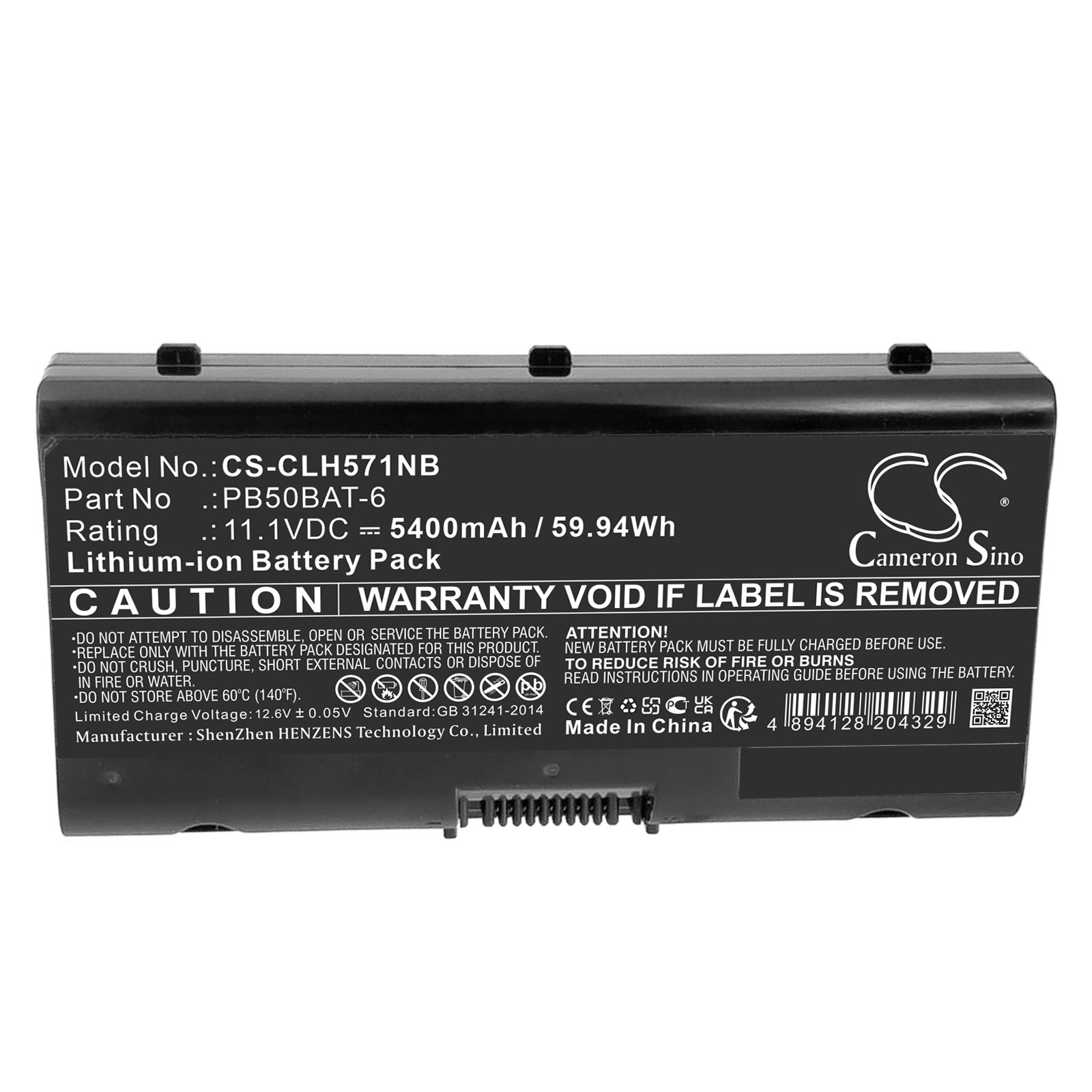
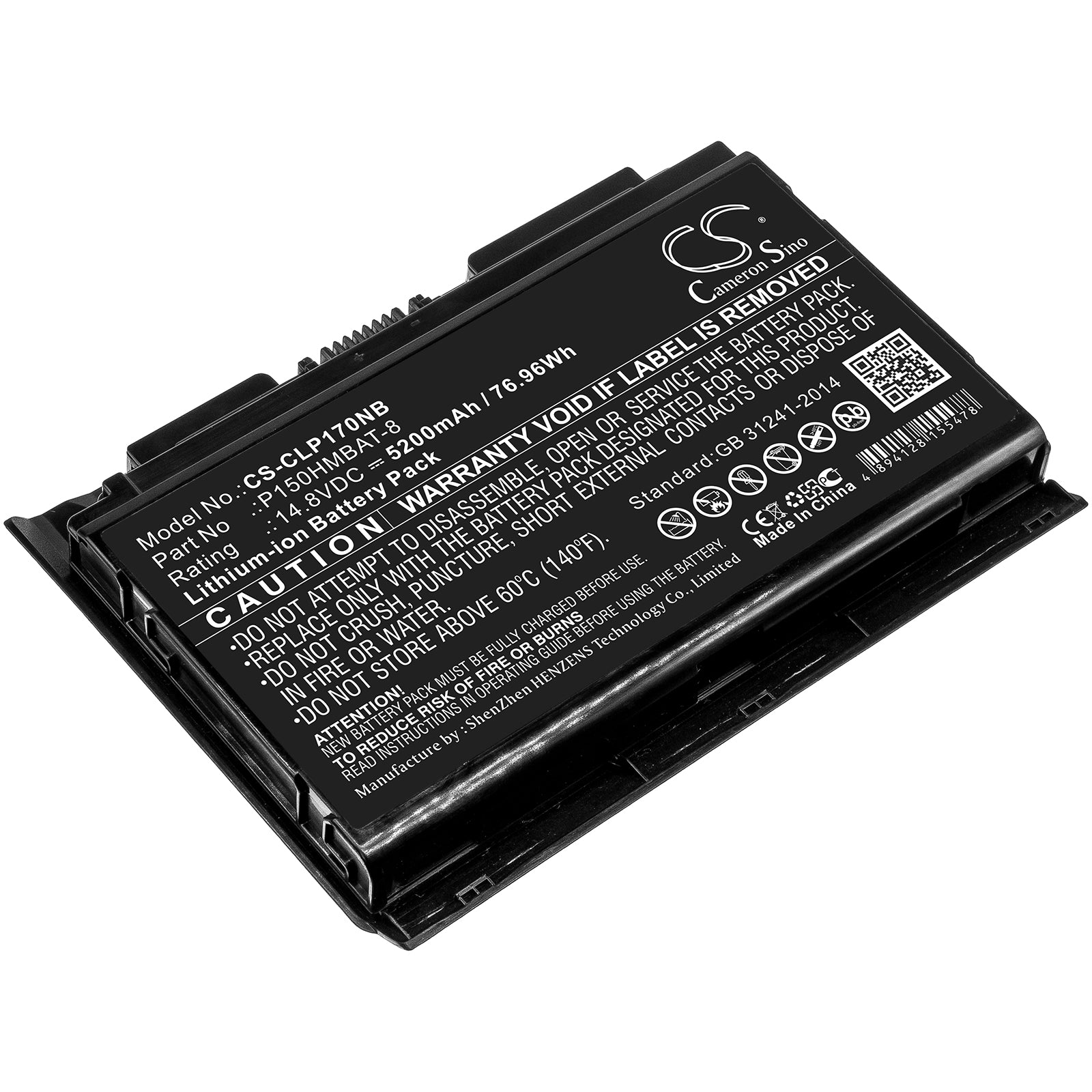
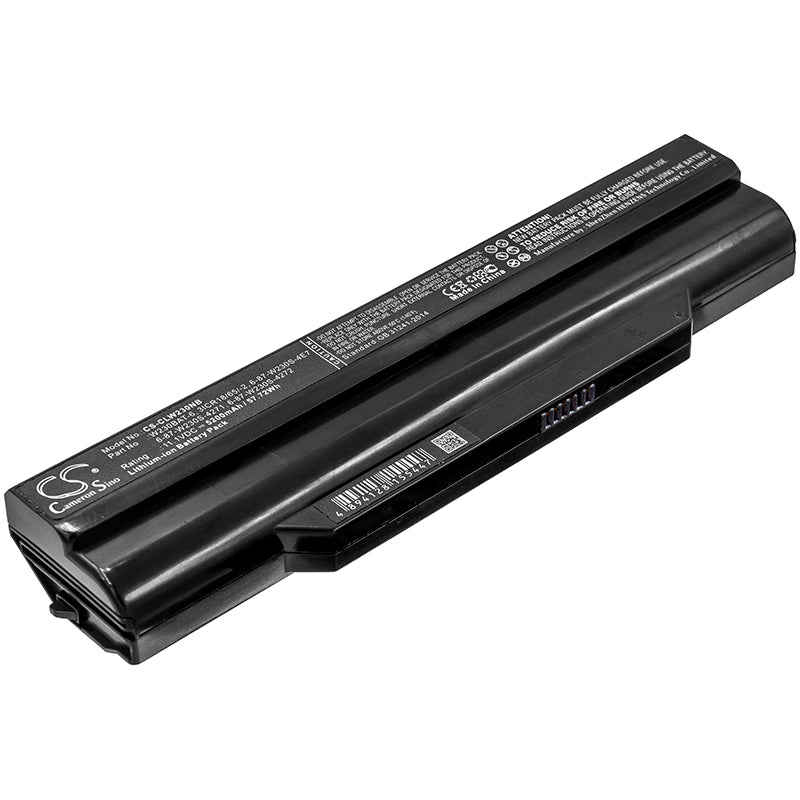
Buckle up, battery buffs – we're diving into the world of milliamp hours, where bigger is usually better (unlike your ex's ego). Laptop batteries typically range from 2,000 to 10,000 mAh, but some powerhouses push past 15,000 mAh. It's like comparing espresso shots to Big Gulps. A standard 13-inch laptop might sport a 4,000-5,000 mAh battery, while a beefy gaming rig could boast 8,000 mAh or more. But here's the kicker – mAh isn't everything. Voltage matters too, so a 10,000 mAh 3.7V battery packs less punch than a 5,000 mAh 7.4V one. It's not just about size; it's how you use it. So next time someone brags about their battery's mAh, ask about the voltage – it's the tech equivalent of "but how tall are you in heels?"
Ah, the mystery of the vanishing battery life – more perplexing than why we still can't fold fitted sheets. If your laptop's going from 100 to 0 faster than a celebrity relationship, several culprits could be at play. First, check your screen brightness – is it set to "miniature sun" mode? Dim it down, Captain Obvious. Next, peek at your task manager – are you running more background apps than a multitasking octopus? Close 'em. Your battery settings might be in "high performance" mode, which is great for speed but terrible for longevity – like chugging espresso shots all day. Age is another factor; batteries, like fine wine, don't always improve with time. Finally, consider the possibility of malware – those digital parasites can suck your battery dry faster than a vampire at a blood bank. Remember, a well-managed battery is a happy battery, and a happy battery means more time before the dreaded "low battery" panic sets in.
Want to squeeze more juice out of your laptop than a health nut with an orange? Listen up, battery padawan! First, embrace the dark side – lower that screen brightness like you're preparing for a stealth mission. Next, become the app assassin – close those battery-hungry background applications faster than you close tabs when someone walks by. Enable power-saving mode; it's like putting your laptop on a digital diet. Treat your battery like a temperamental diva – don't let it get too hot or too cold, and avoid charging it to 100% all the time (yes, overcharging is a thing). Disable Wi-Fi and Bluetooth when you're not using them – they're like tiny energy vampires. And for the love of all things tech, update your OS and drivers regularly; they often come with power-saving improvements. Follow these tips, and your laptop battery will last longer than your New Year's resolutions – probably.
In the great battery debate of our time, lithium-ion reigns supreme in the laptop world, like pineapple on pizza – controversial, but undeniably popular. Lithium-ion batteries are the cool kids of the power pack playground, offering a sweet spot of energy density, rechargeability, and not exploding (usually). They're lighter than your conscience after donating to charity and more efficient than your colleague who always leaves early. Lithium metal batteries, on the other hand, are like that one friend who peaked in high school – they had potential but never quite made it in the laptop scene. They're generally found in smaller devices, like watches or medical implants, where size matters more than rechargeability. So, next time someone asks about your laptop battery, you can confidently say "lithium-ion" and feel like the tech guru you always knew you were.