





FAQ
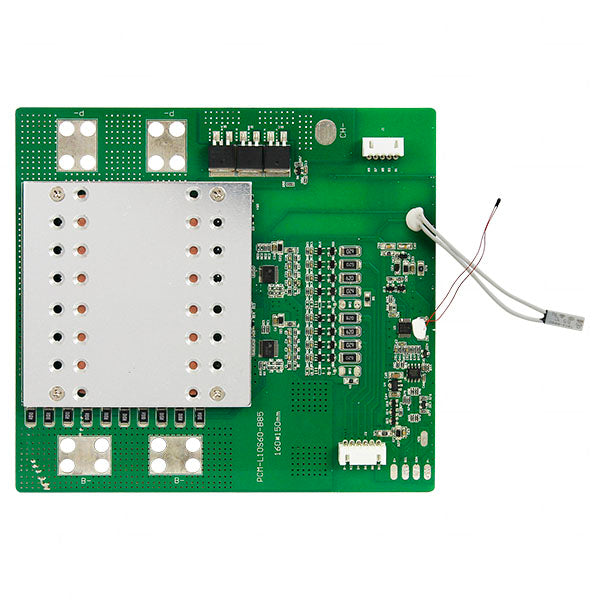
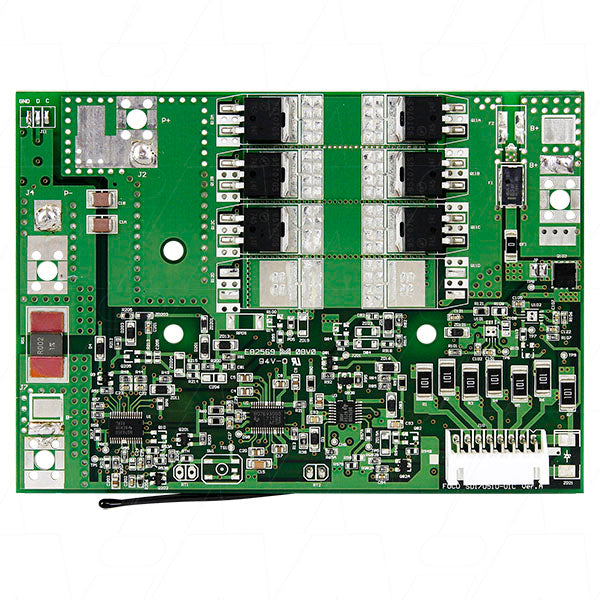
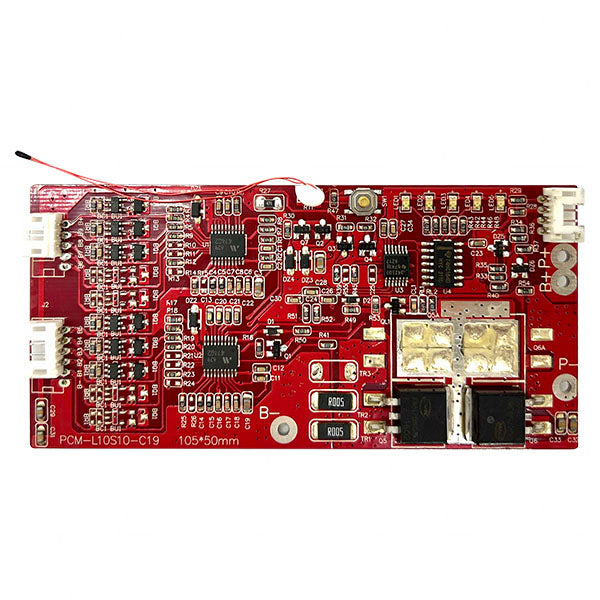
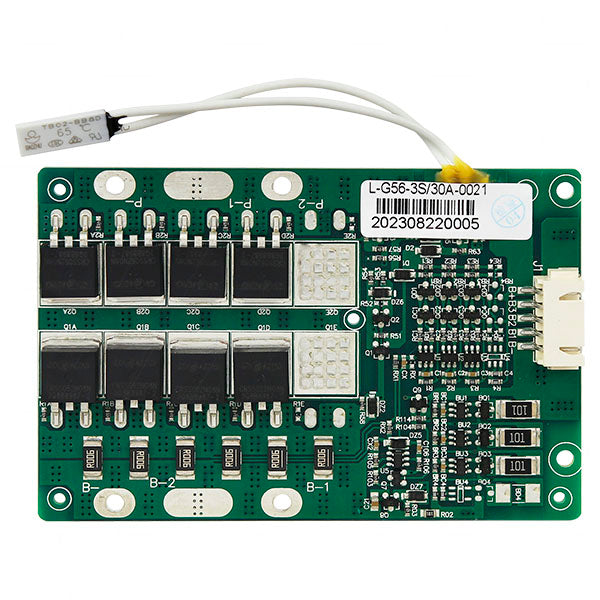
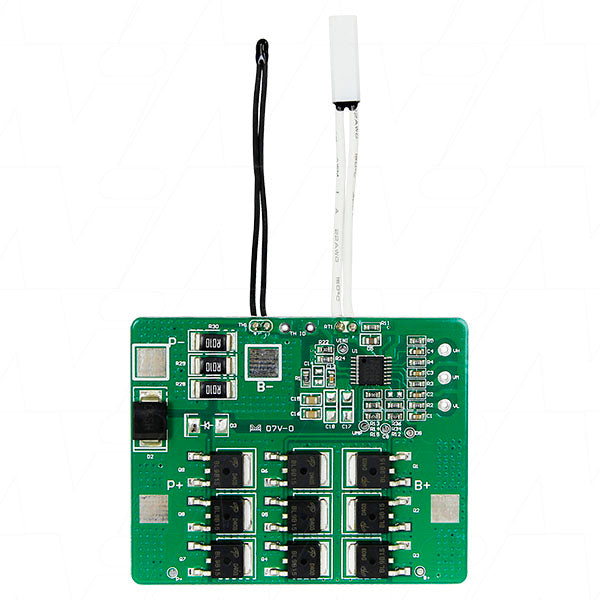
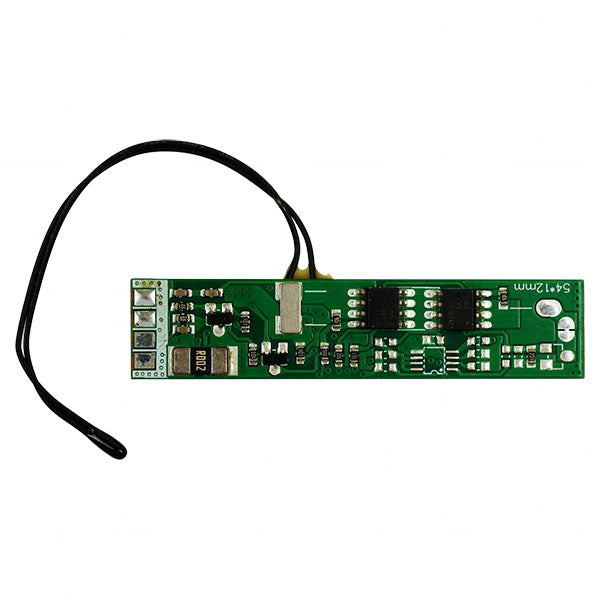
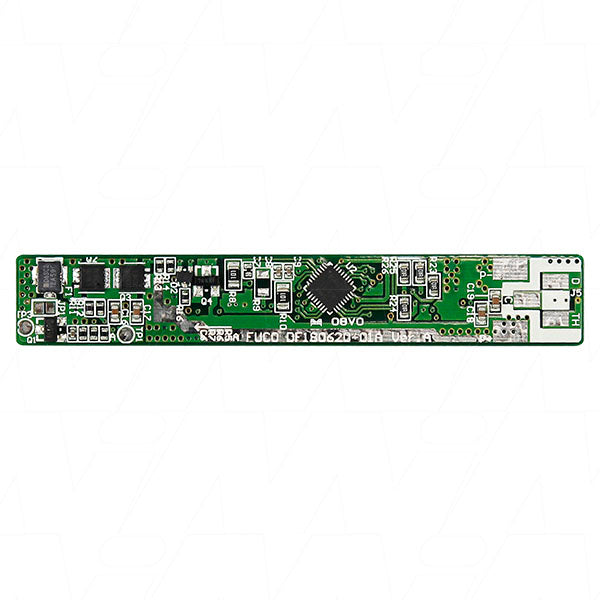
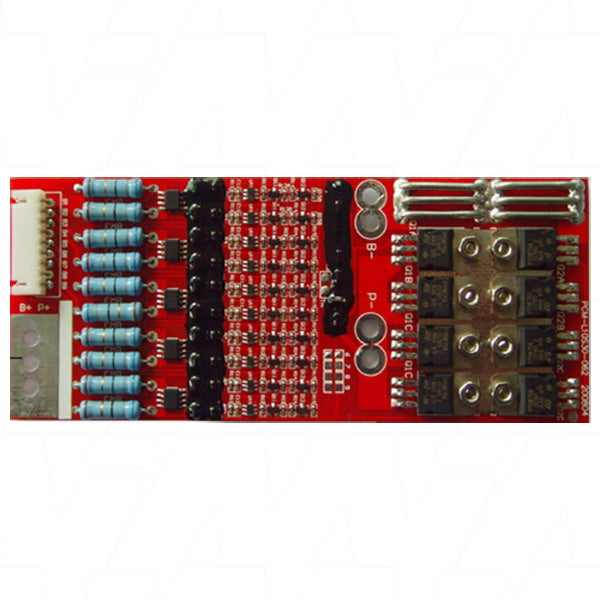
A battery management system (BMS) is the unsung hero of your energy storage setup, quietly working behind the scenes to keep your batteries in tip-top shape. Think of it as a vigilant guardian, constantly monitoring and regulating the voltage, current, and temperature of each cell in your battery pack. It's like having a tiny, obsessive-compulsive engineer living inside your battery, making sure everything runs smoothly. But a BMS isn't just a glorified babysitter. It's a multitasking marvel that balances cell voltages, prevents overcharging and over-discharging, and even talks to other components in your system. It's the maestro of your energy orchestra, ensuring every instrument plays in perfect harmony. Without a BMS, your batteries would be like a bunch of rowdy teenagers left unsupervised – chaos would ensue, and things might catch fire. Literally.
Choosing the best BMS for lithium-ion batteries is like picking the perfect dance partner – it needs to match your moves and complement your style. While there's no one-size-fits-all solution, some BMS options consistently sweep users off their feet. For DIY enthusiasts and small-scale applications, the Daly BMS is a popular choice, offering a good balance of features and affordability. It's like the dependable friend who's always ready for a night out but won't break the bank. If you're looking for something more sophisticated, the Orion BMS 2 is the suave, well-dressed option. It boasts advanced features like CAN bus communication and customizable settings, making it ideal for high-performance applications. It's the James Bond of battery management systems – sleek, capable, and always prepared for any situation. For those with industrial-sized needs, the REC Q BMS is the heavyweight champion. It's designed for large-scale energy storage systems and offers unparalleled scalability and reliability. Think of it as the bouncer at the battery club – it can handle anything you throw at it.
Finding a reliable BMS is like hunting for treasure – you need to know where to look and how to spot the real deal. Luckily, you don't need a map or a parrot on your shoulder to find quality options. For the tech-savvy shopper, online marketplaces like Amazon and eBay offer a wide selection of BMS options. It's like a digital bazaar where you can compare prices, read reviews, and even haggle with sellers (okay, maybe not that last part). If you prefer a more specialized approach, websites like Battery Hookup and EV West cater specifically to battery enthusiasts and electric vehicle builders. These are the hidden gems of the BMS world, offering expert advice and curated selections. For those who like to touch and feel before they buy, local electronics stores or renewable energy suppliers might stock BMS units. It's like going to a farmers' market – you get to meet the sellers and maybe even score some free samples (of knowledge, not actual BMS units).
A BMS improves battery performance like a personal trainer whips you into shape – through constant monitoring, precise adjustments, and a bit of tough love. It's the difference between your batteries stumbling through life like a sleep-deprived zombie and strutting confidently like a supermodel on a catwalk. First, the BMS keeps your battery cells balanced, ensuring each one carries its fair share of the load. It's like a stern parent making sure all the kids do their chores – no slacking allowed! The BMS also prevents overcharging and over-discharging, which can seriously damage your batteries. It's the responsible friend who cuts you off at the bar before you make regrettable decisions. By monitoring temperature, the BMS can protect your batteries from overheating or operating in conditions that are too cold. It's like a weather forecaster and a thermostat rolled into one, keeping your batteries in their Goldilocks zone.
Choosing features for your BMS is like picking toppings for a pizza – it depends on your taste, but some options are essential while others are just extra cheese. Here's what to look for in your BMS buffet: Cell balancing is the crust of your BMS pizza – it's non-negotiable. Without it, your battery pack is just a sad, floppy mess. Overcharge and over-discharge protection are the sauce and cheese – they provide the fundamental flavor and structure to your BMS experience. Temperature monitoring and control are like the pepperoni – not strictly necessary, but they add a layer of safety and performance that most users crave. For the tech-savvy, communication interfaces (like CAN bus) are the gourmet toppings. They allow your BMS to chat with other components in your system, creating a symphony of energy management. Programmability is the stuffed crust of the BMS world – it's a luxury feature that lets you fine-tune your system to your heart's content.
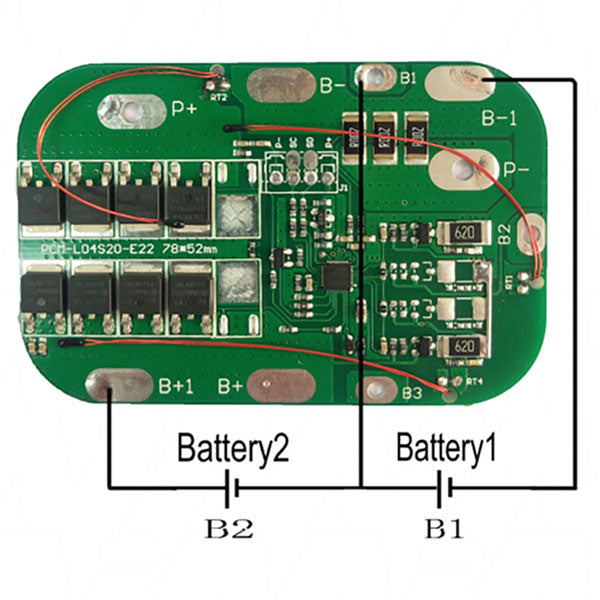
Installing a BMS is like assembling IKEA furniture – it seems daunting at first, but with the right instructions and a bit of patience, you'll be feeling like a DIY champion in no time. Start by carefully reading the manual. Yes, actually read it. It's not just there to make the package look thicker. Next, connect the BMS to your battery pack. This is like introducing your new BMS to its battery buddies – make sure everyone plays nice. Wire up the balance leads, connecting each cell to the BMS. It's like setting up a group chat where your BMS can keep tabs on all the cells. Connect the main power cables, ensuring proper polarity. This is the handshake that seals the deal between your BMS and the rest of your system. If your BMS has additional features like temperature sensors or communication interfaces, hook those up too. It's like adding apps to your smartphone – the more, the merrier (usually). Finally, double-check all your connections. It's the "measure twice, cut once" of the BMS world. Once you're sure everything's shipshape, power up your system and watch your BMS spring to life, ready to keep your batteries happy and healthy for years to come.